Scripting and CI
Run bkstr unattended — the BKSTR_KEY env var, JSON output, and exit codes.
The bkstr CLI is built to run unattended — in CI pipelines, build scripts, and container images. This page covers the three things a script depends on: passing a key without an interactive prompt, parsing output, and checking exit codes. For the full command list, see the CLI reference.
Pass the key with BKSTR_KEY
bkstr login is interactive — it prompts for a key. In a script, set the BKSTR_KEY environment variable instead. The CLI reads it directly, with no login step and no config file.
export BKSTR_KEY=bks_your_key_here
bkstr install agentic-qa-manual --dir ./vendor/bkstr
BKSTR_KEY takes precedence over any stored config, so it is also the way to override a key for a single run.
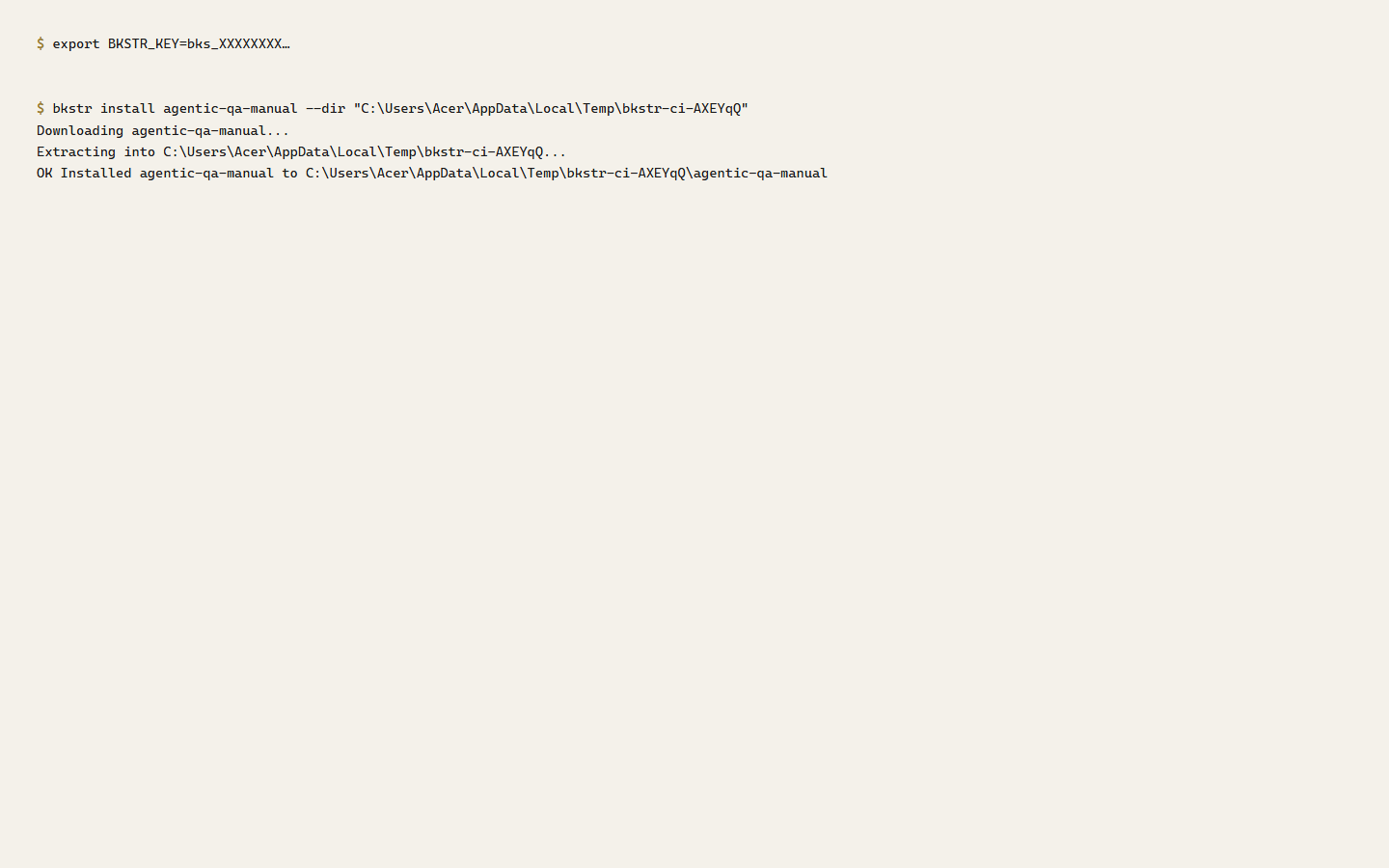
Keep the key out of your repository and your logs. Put it in your CI provider's secret store and reference it as a masked variable — the same way you would any other credential.
Parse output with --json
bkstr list and bkstr whoami print human-readable tables by default. Add --json to get machine-readable output a script can parse:
# Does this account already own a given item?
bkstr list --json | grep -q '"slug": "agentic-qa-manual"' && echo "owned"
The CLI sends data to stdout and sends progress, warnings, and errors to stderr, so redirecting stdout captures only the result.
Check exit codes
Every command exits 0 on success and 1 on failure. A CI step that runs bkstr install fails the build on its own if the install fails — no output parsing needed for the common case.
if bkstr install agentic-qa-manual --dir ./vendor/bkstr; then
  echo "install ok"
else
  echo "install failed" >&2
  exit 1
fi
For what each failure means — 401, 403, 404, 429, server errors — see the exit-codes table in the CLI reference.
Re-runs are safe
Re-running bkstr install for an item you own re-fetches the latest version and overwrites the files in place. A CI job can install on every run without tracking whether it installed before.