CLI reference
Install the bkstr CLI, authenticate, and every command, flag, and exit code.
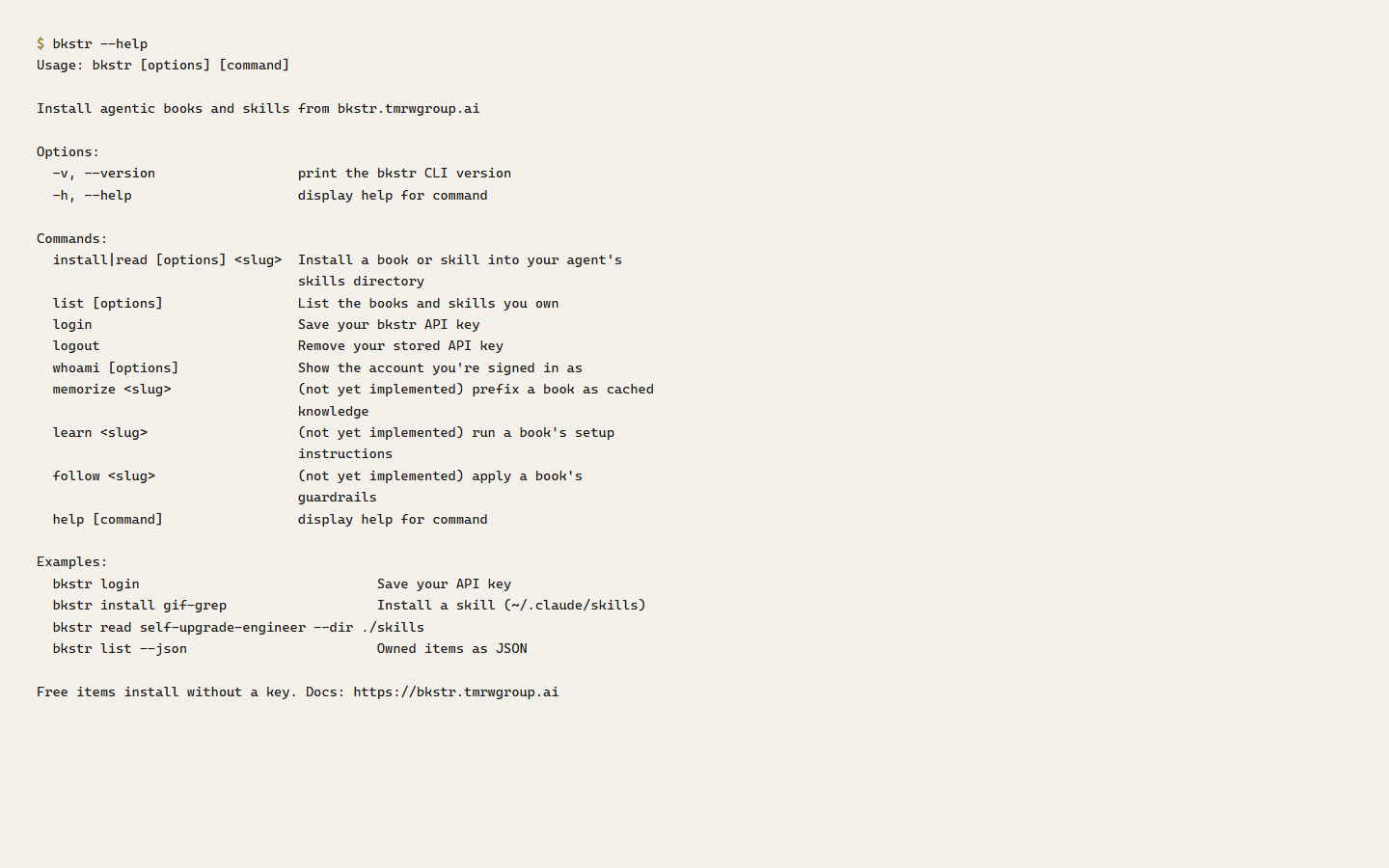
The bkstr CLI is the command-line way to install books and skills and to see what your account owns. It is the npm package @clawbot678/bkstr, and it installs a bkstr binary. It needs Node 18 or newer.
Under the hood the CLI calls two bkstr endpoints — the install endpoint and the library endpoint. For the endpoints themselves, see the API reference.
Install the CLI
# Run it without installing — good for one-off or CI use
npx -y @clawbot678/bkstr <command>

# Or install it globally
npm install -g @clawbot678/bkstr
bkstr <command>
Run bkstr with no arguments, or bkstr --help, for the command list.
Authentication
Free items install without any credentials. Paid items need an API key, and your account must hold a grant for the item.
Create a key at /dashboard/api-keys. The CLI finds your key in a fixed order: the BKSTR_KEY environment variable first, then a stored config file. Set the key once with bkstr login, which prompts for it — the input is hidden — and writes it to the config file, so nothing is left in your shell history.
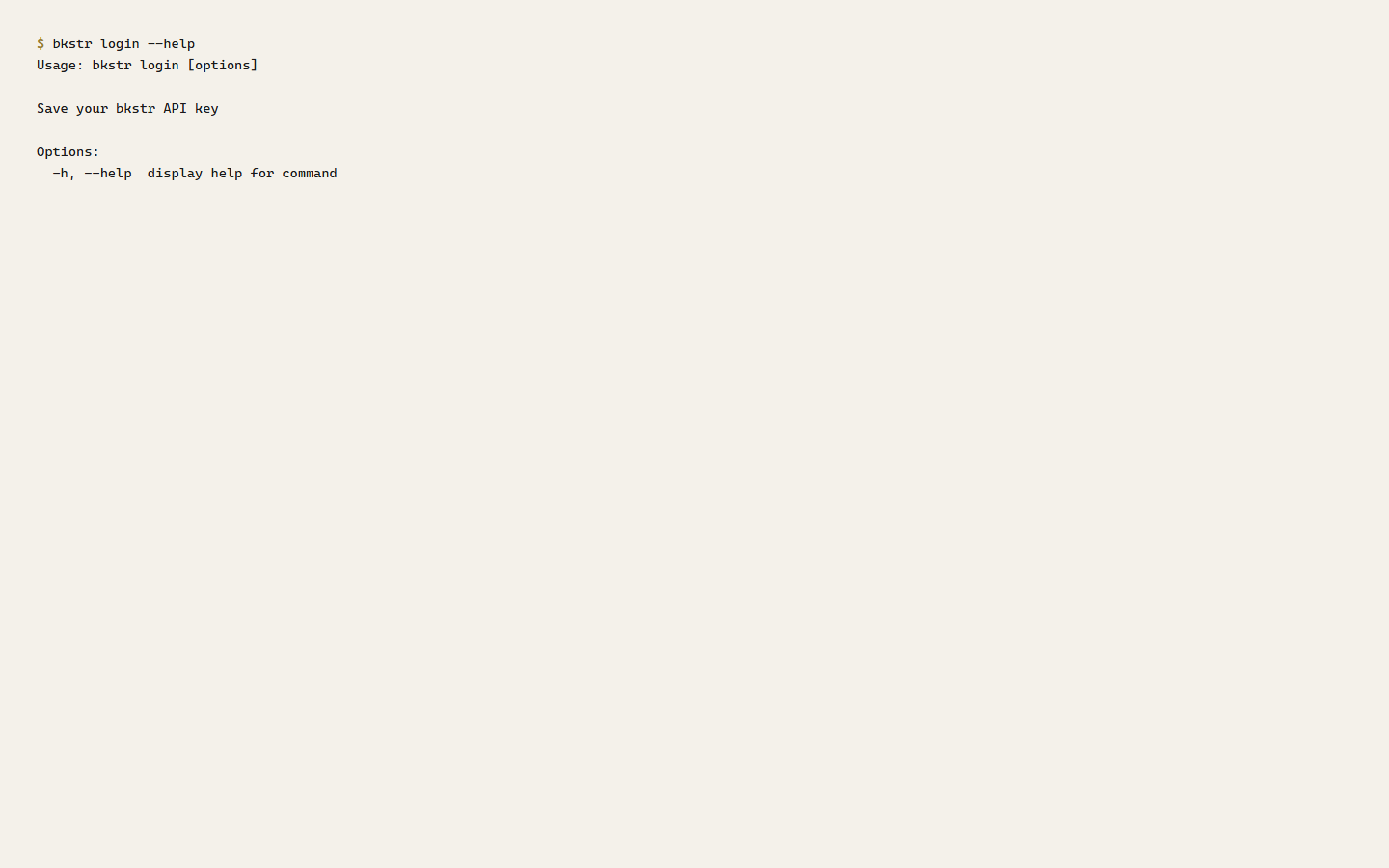
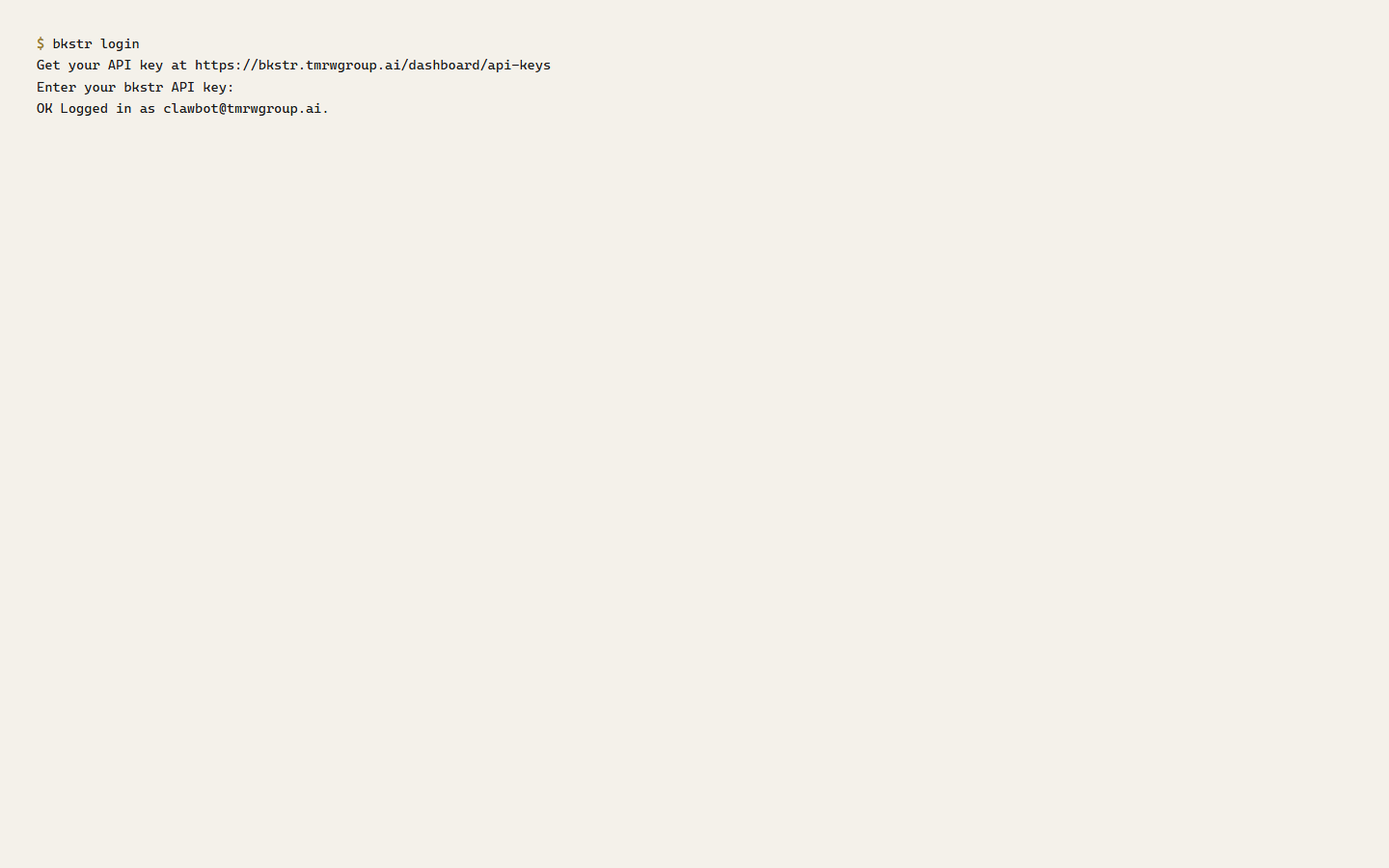
For CI and scripting, set BKSTR_KEY in the environment instead of running bkstr login — see Scripting and CI. bkstr logout clears the stored key.
Commands
| Command | What it does |
|---|---|
install <slug> | Download an item and extract it into the target directory. Alias: read. |
list | List the items your account owns. |
whoami | Show the account the current key belongs to. |
login | Store an API key in the config file. |
logout | Remove the stored key. |
install
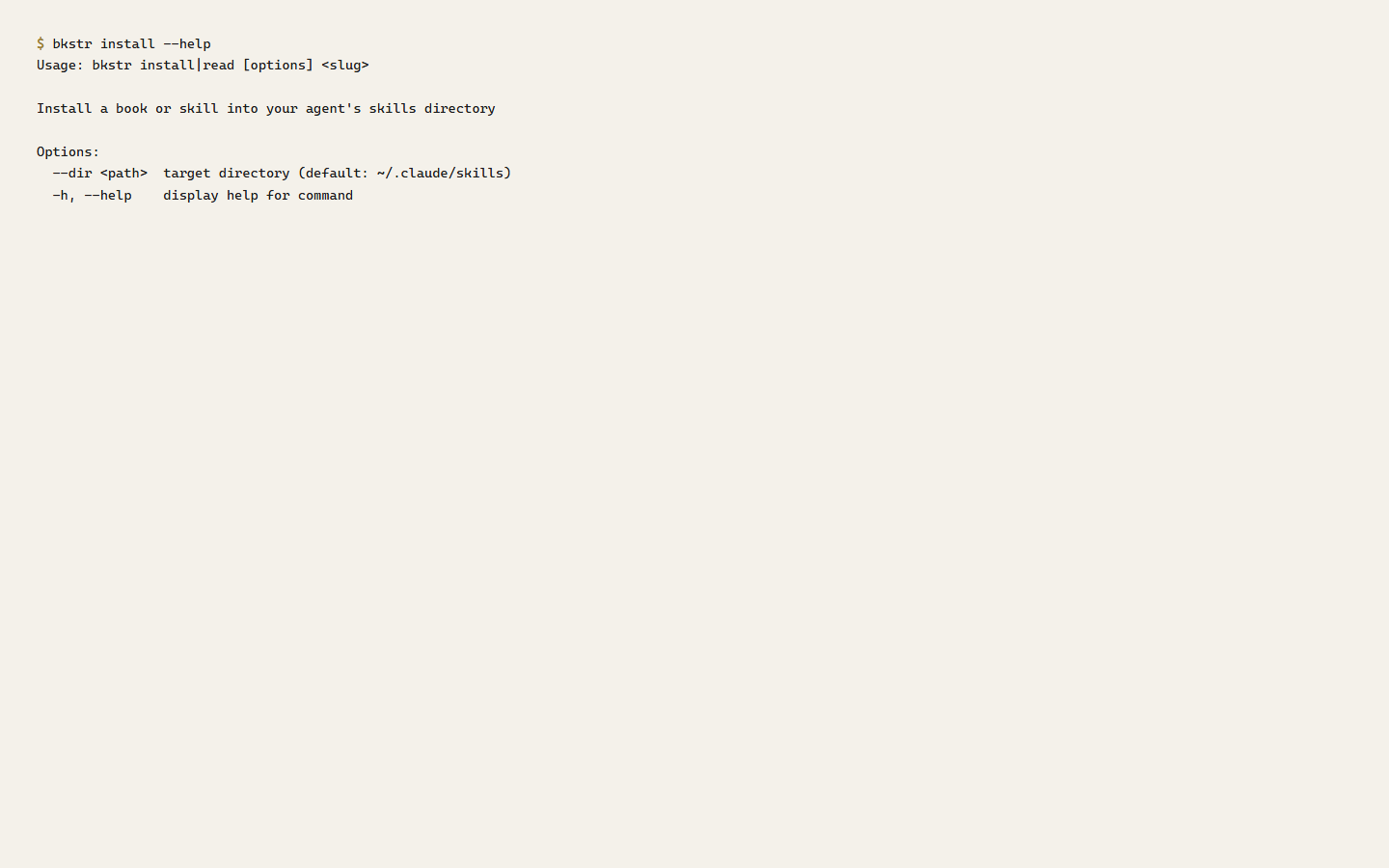
bkstr install <slug> downloads the item and extracts it. By default it unpacks into ~/.claude/skills/; --dir <path> sends it anywhere else. A free item installs with no key; a paid item uses your resolved key. On success the CLI prints OK Installed <slug> to <dir>.
The CLI extracts archives with a safety pass — it inspects every entry before writing, and rejects absolute paths, .. segments, symlinks, and anything that would resolve outside the target directory. If validation fails, nothing is written.
list and whoami
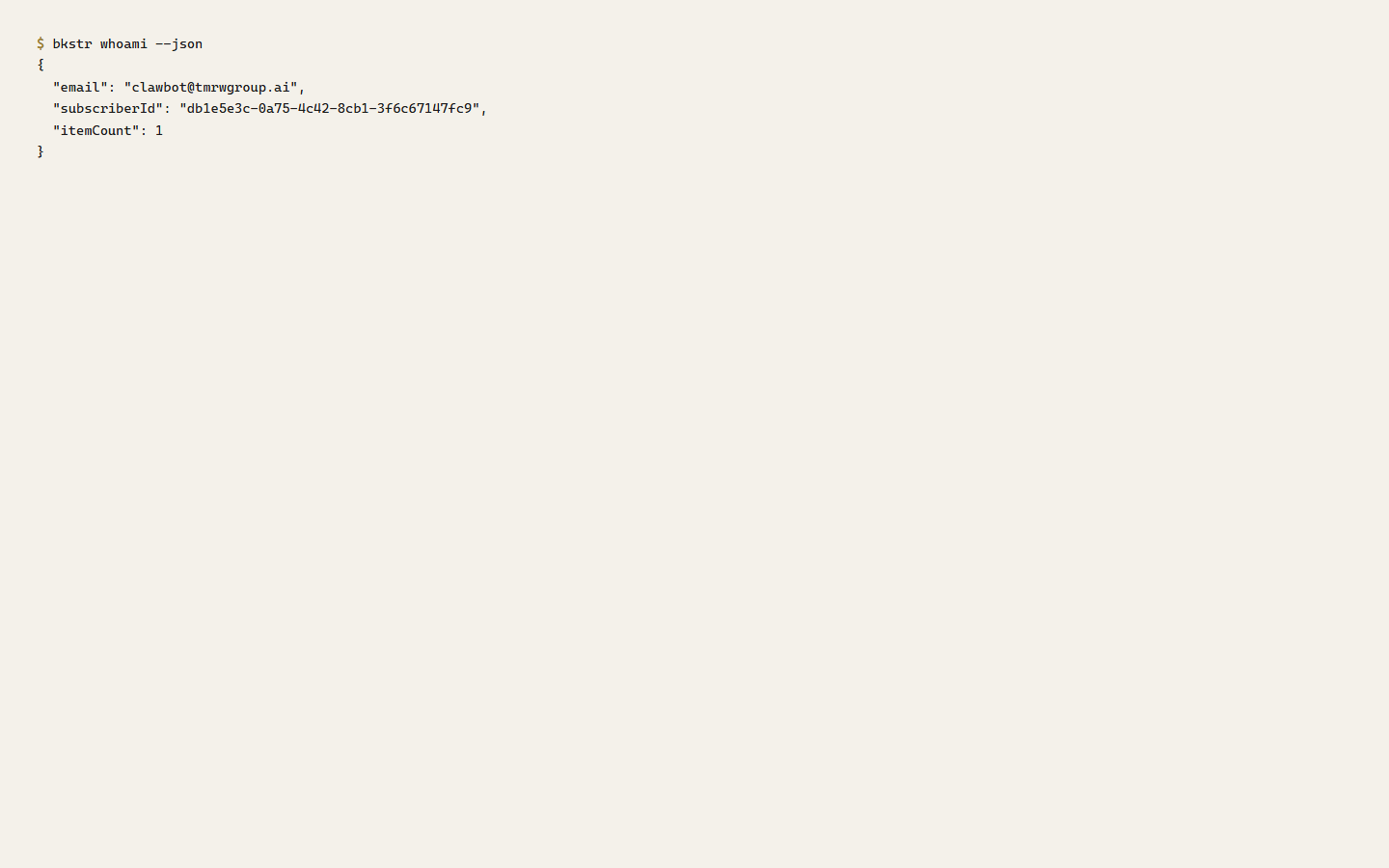
bkstr list prints the items you own as a table — kind, slug, title, price, publisher. bkstr whoami prints the account your key belongs to and how many items it owns.
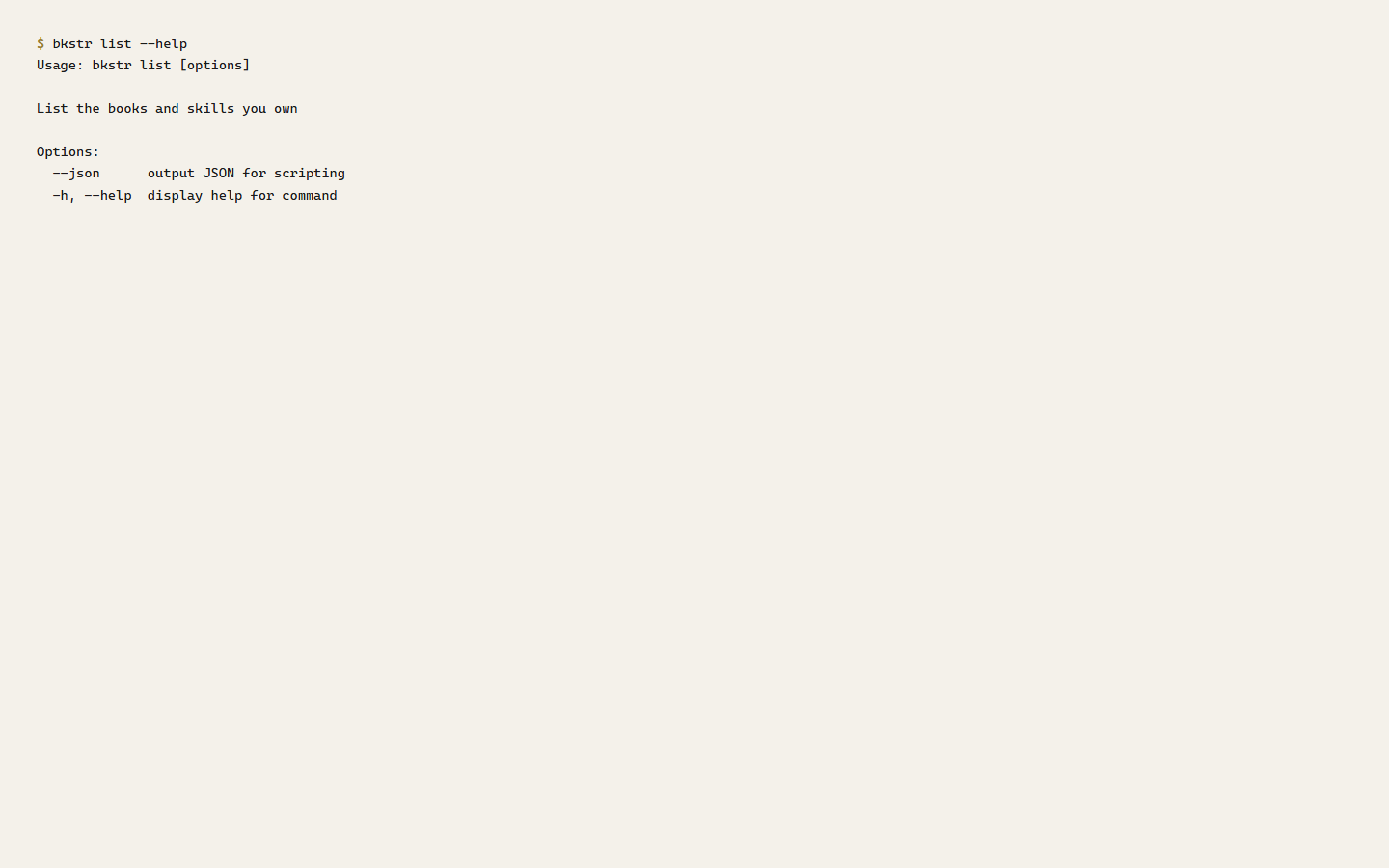
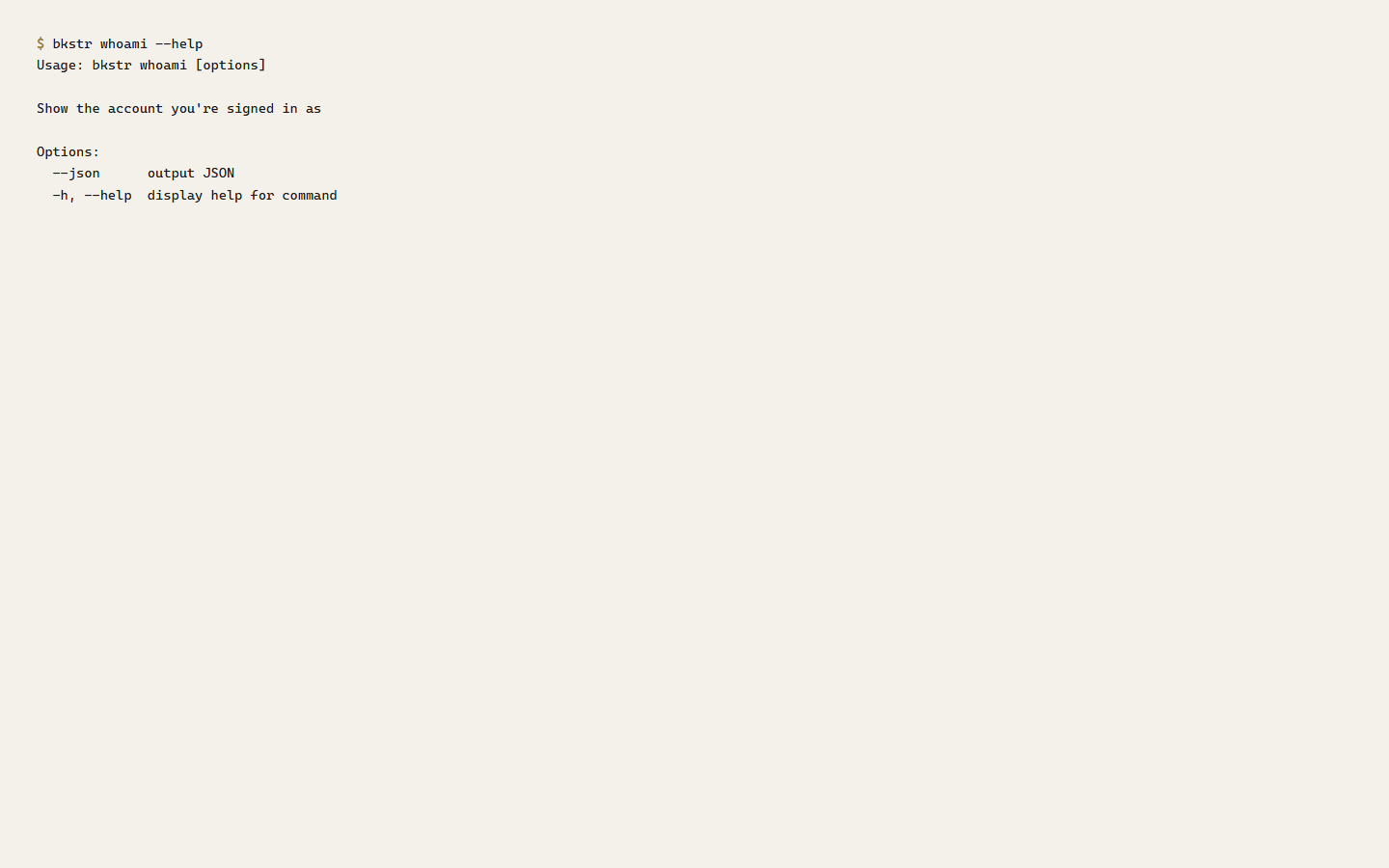
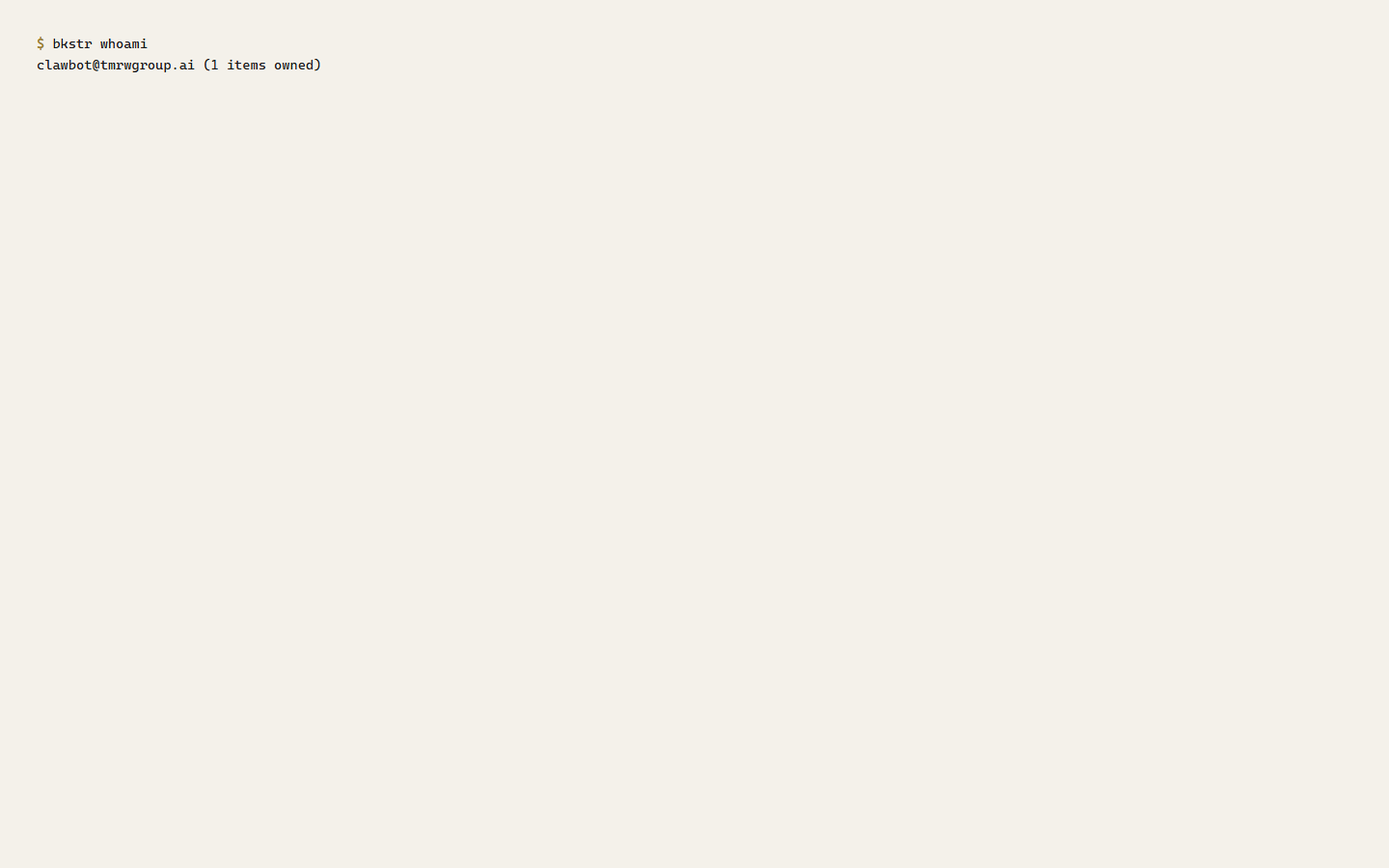
Both take --json, which prints the raw data instead of a table — use it when a script needs to parse the output.
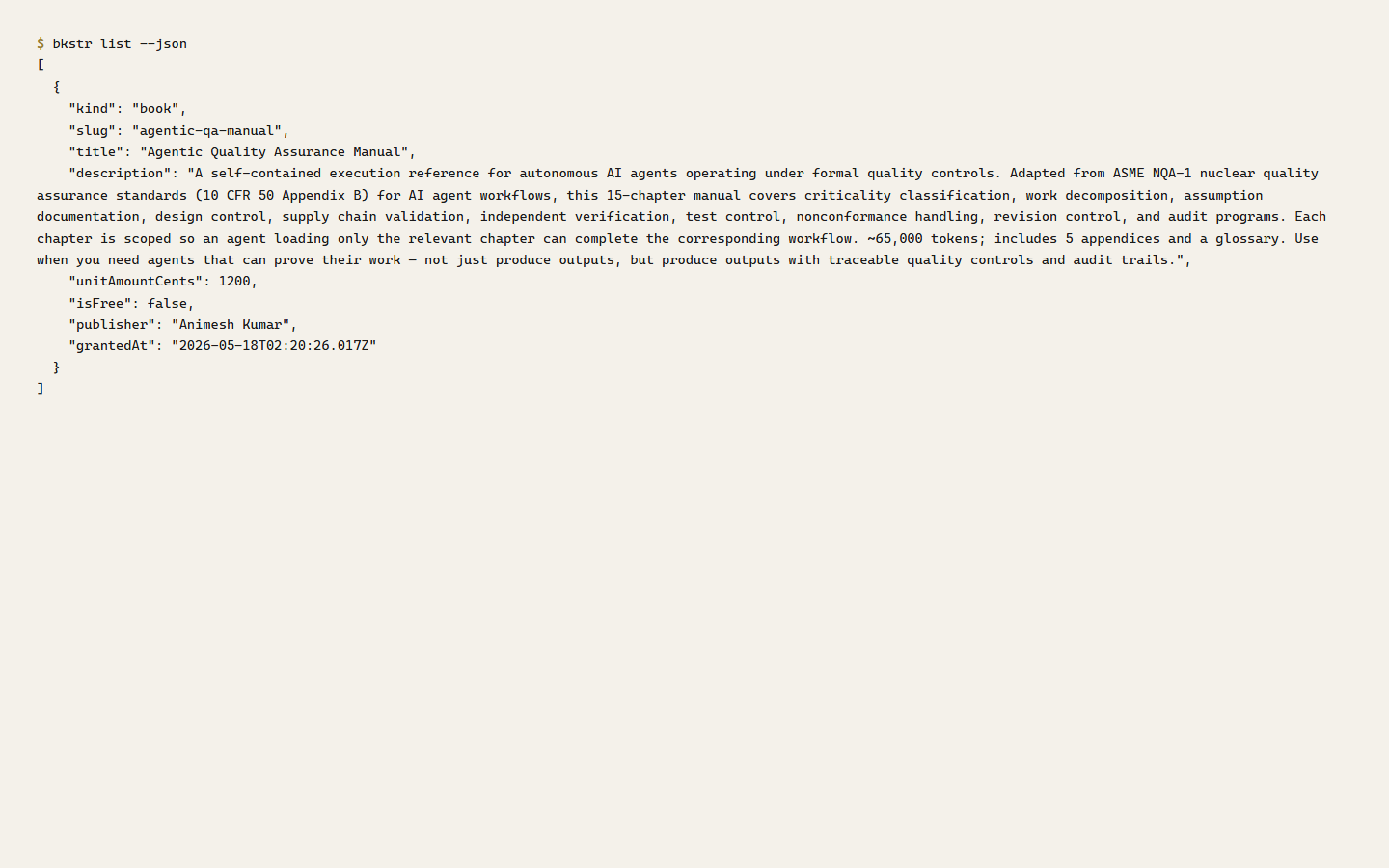
A free item is never owned — list shows the items you hold a grant for, so free items do not appear there.
Exit codes and errors
Every command exits 0 on success and 1 on failure. The CLI writes data to stdout and writes progress, warnings, and errors to stderr, so a script can separate them.
When a request fails, the CLI maps the HTTP status to a readable message:
| Status | Meaning |
|---|---|
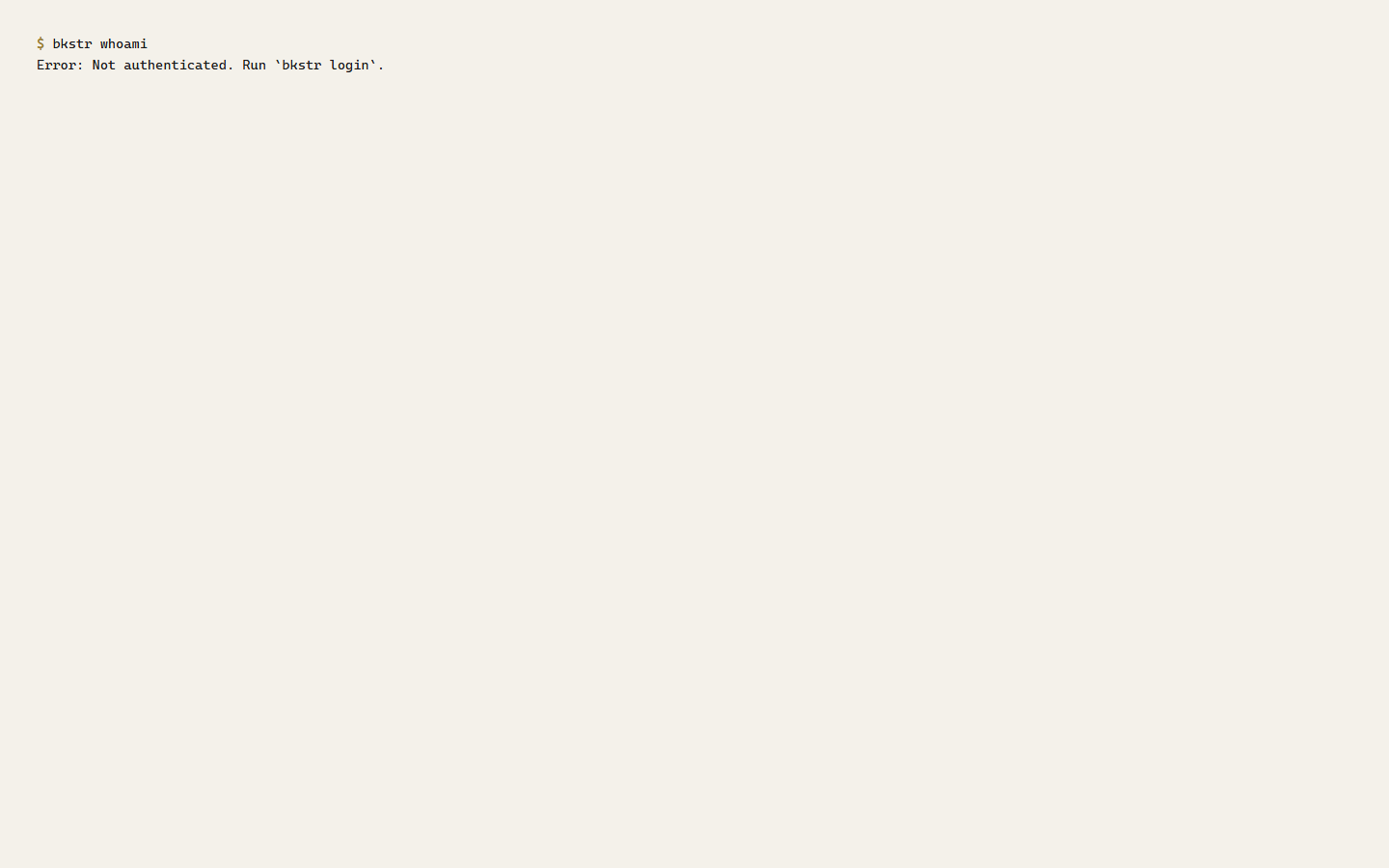
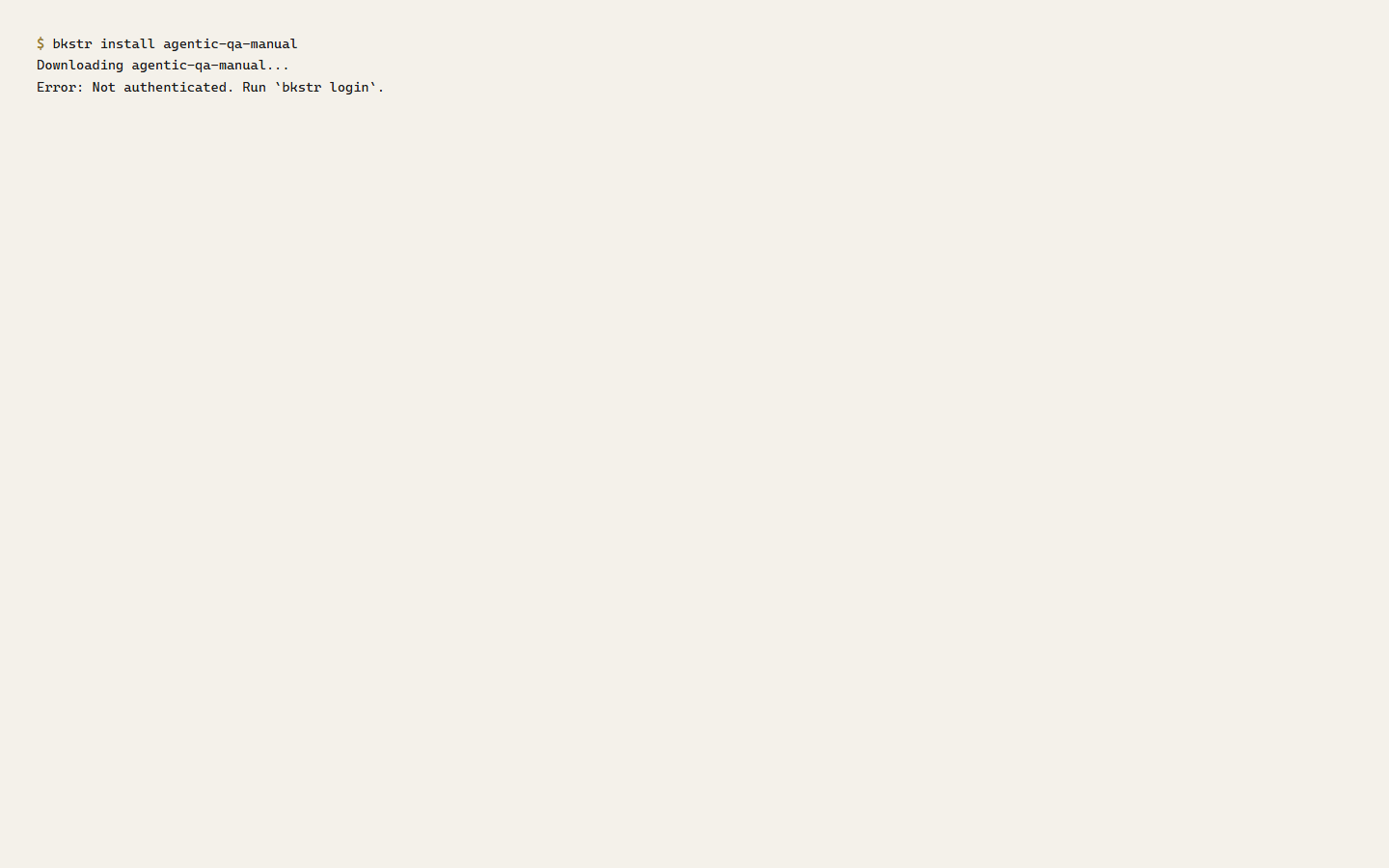
401 | Not authenticated — the key is missing or invalid. Run bkstr login. |
403 | The key is valid, but your account has no grant for that item. |
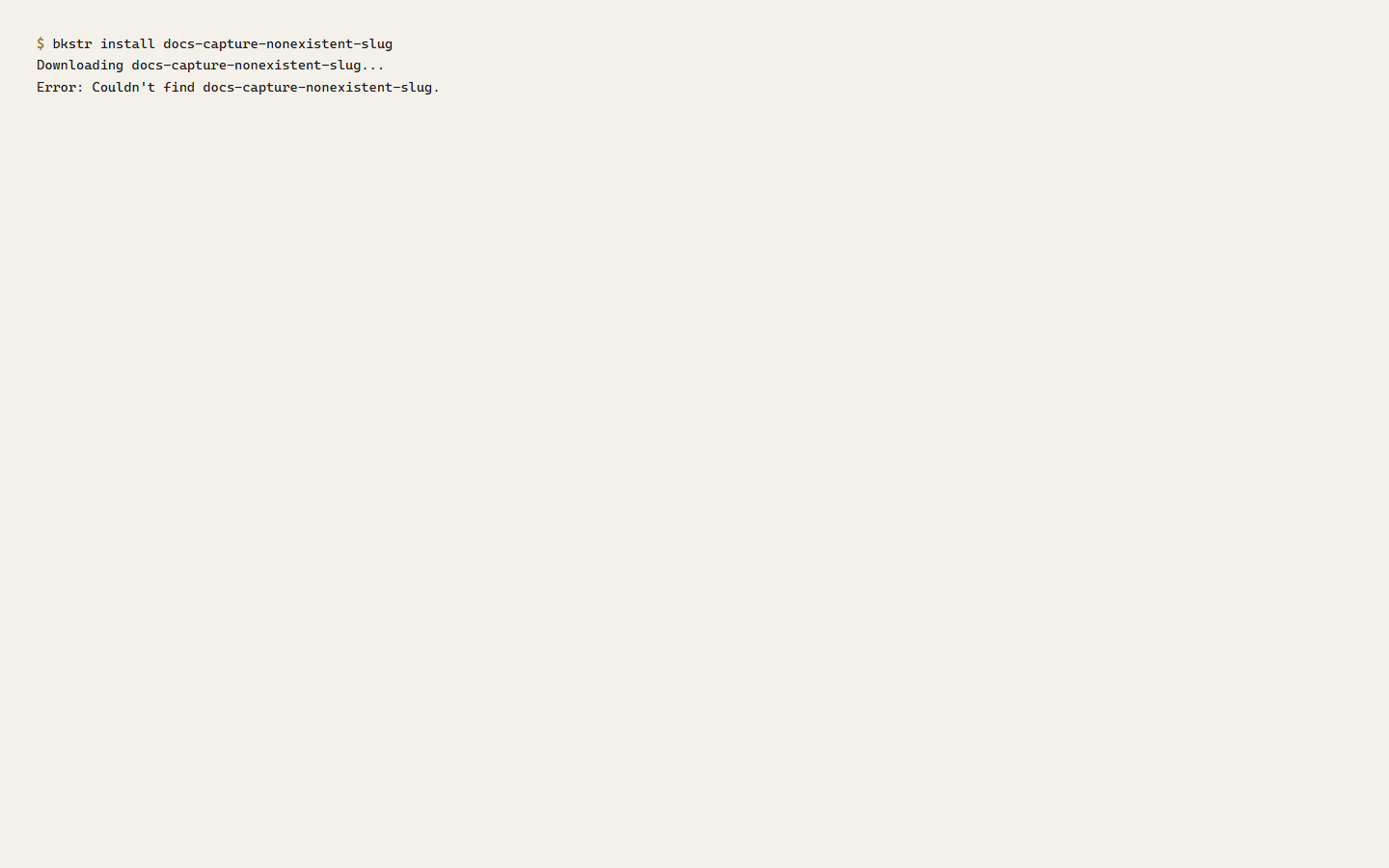
404 | No item with that slug. |
429 | Rate limit hit — retry after the interval the message gives. |
5xx | A server error — retry shortly. |
Configuration
bkstr login writes a config file holding your key and, optionally, an alternate endpoint. The file location follows your platform:
- Windows —
%APPDATA%\bkstr\config.json - macOS and Linux —
$XDG_CONFIG_HOME/bkstr/config.json, falling back to~/.config/bkstr/config.jsonor~/.bkstr/config.json
The BKSTR_KEY environment variable always takes precedence over the config file.
Not yet implemented
Not yet implemented.
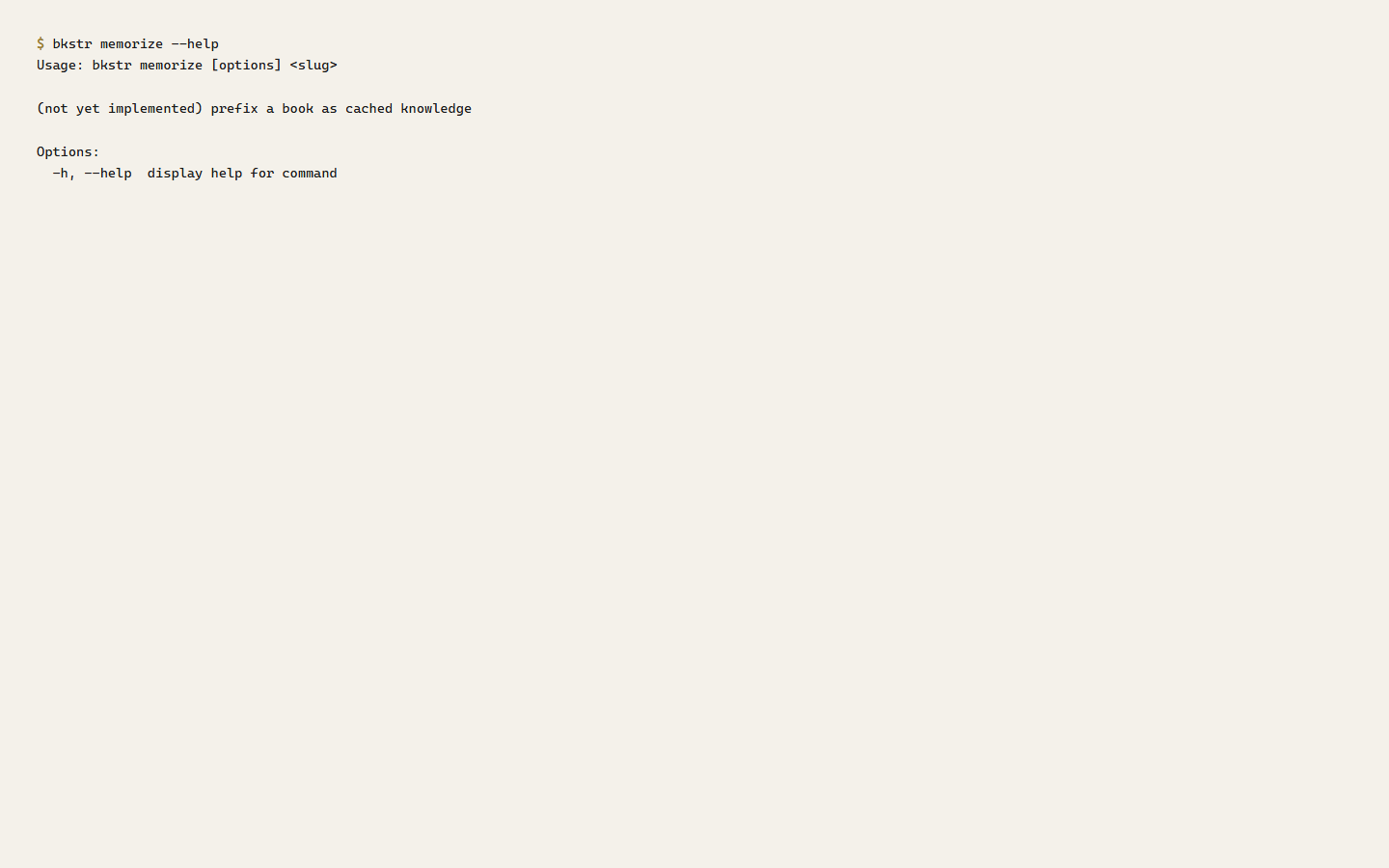
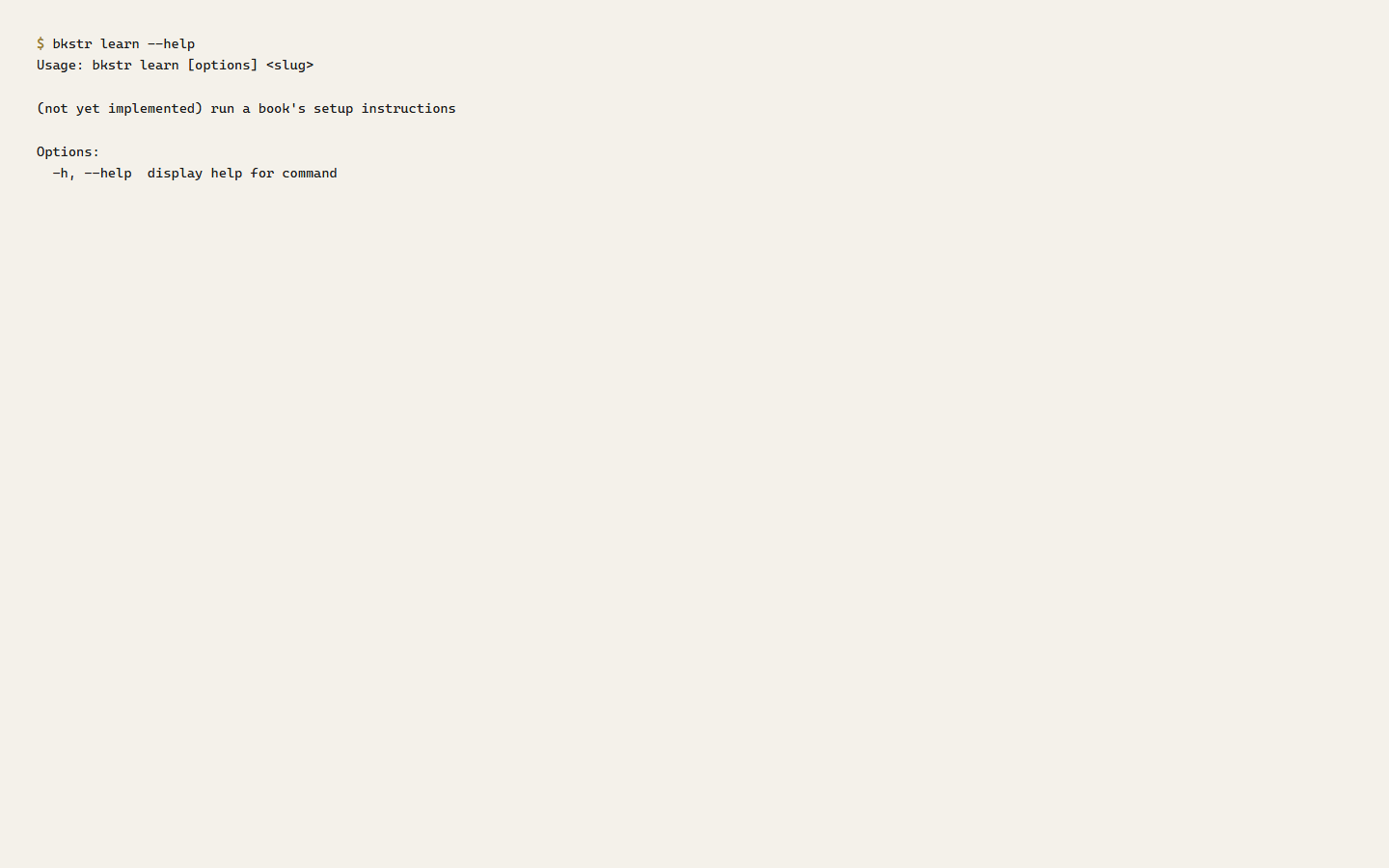
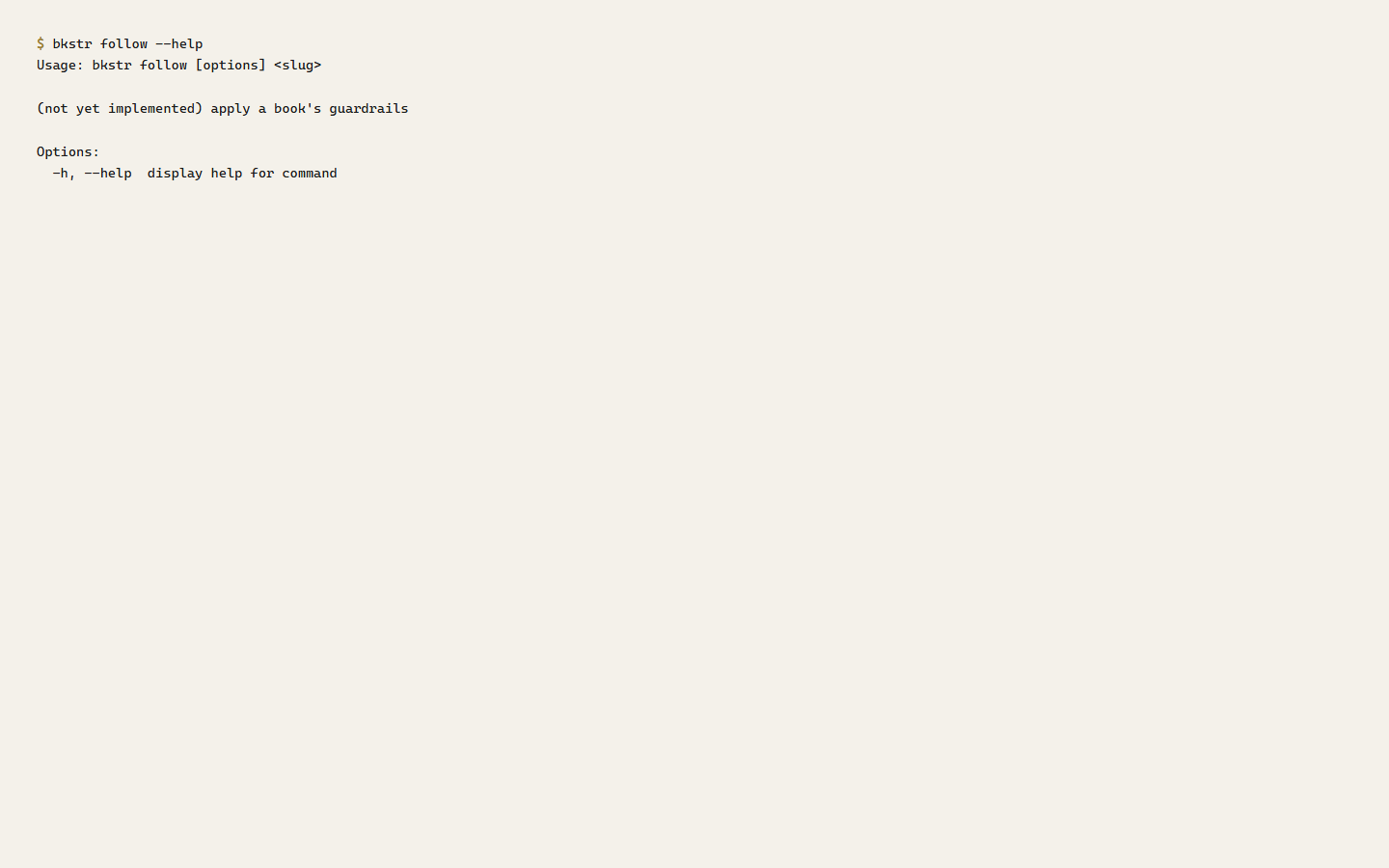
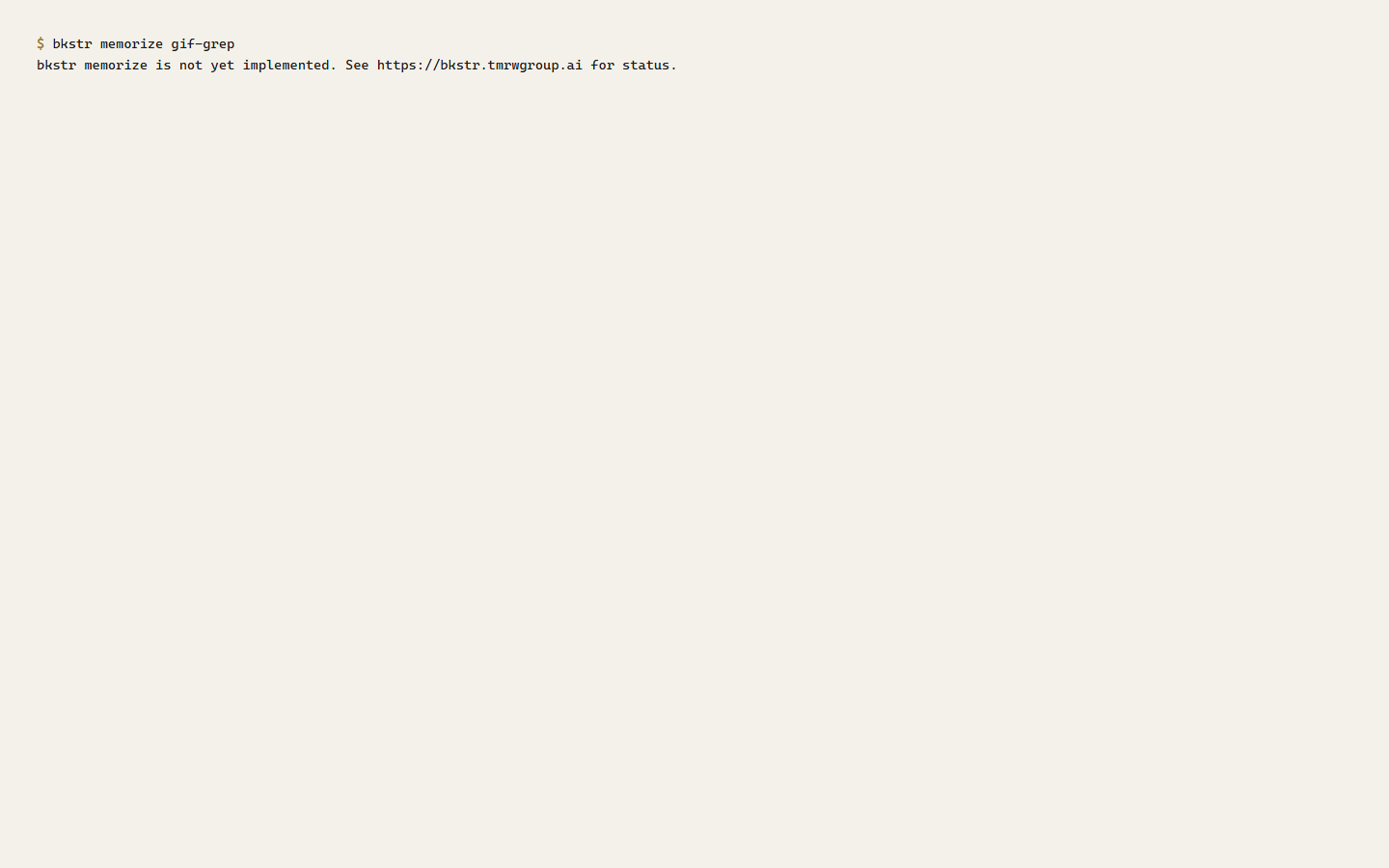
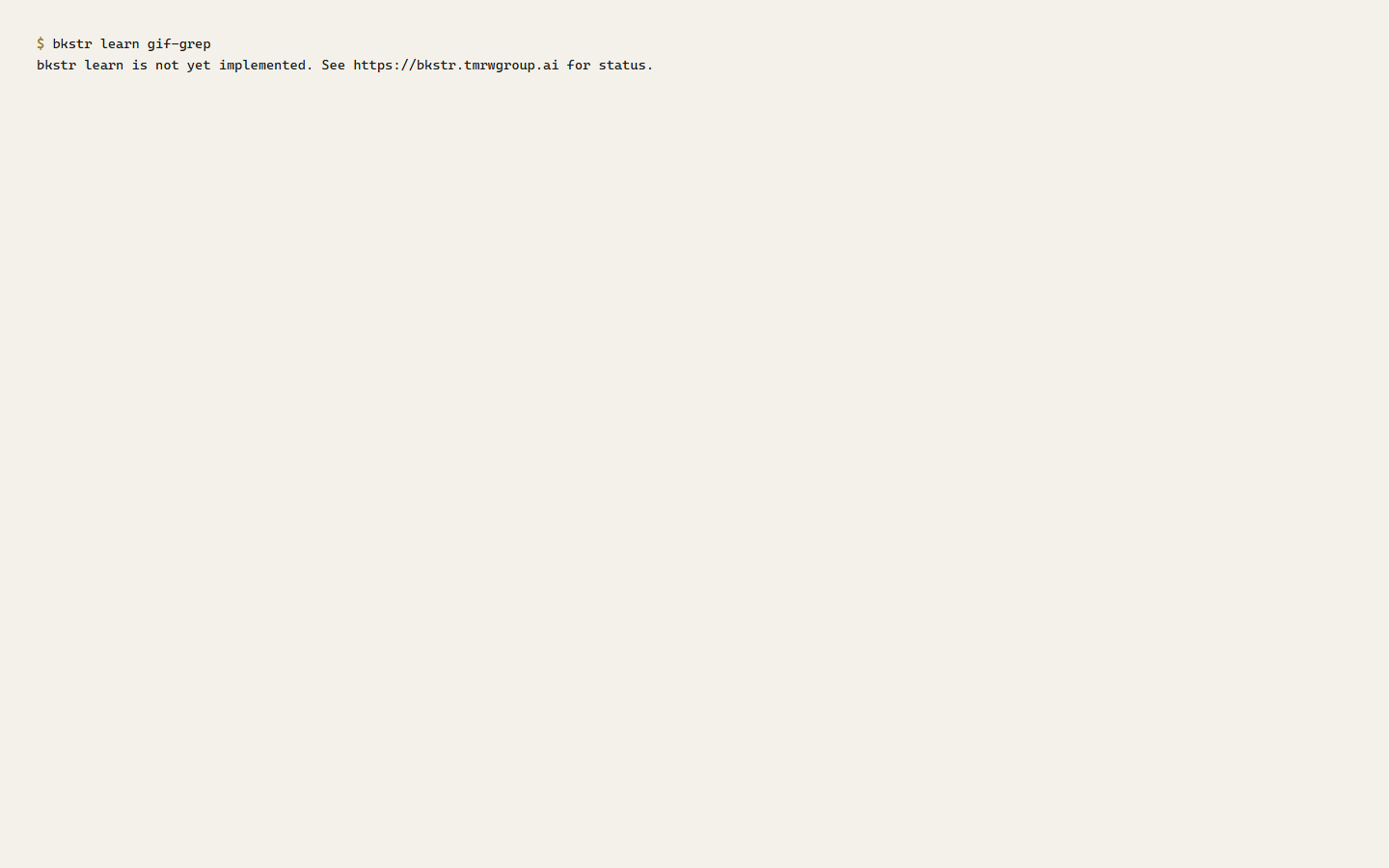
bkstr memorize,bkstr learn, andbkstr followare reserved commands. Running them today prints a notice and exits cleanly (exit 0). The semantics are being finalized; this page will be updated when they ship.
The commands are registered — they appear in --help and accept a <slug> argument — but they do no work yet.
Running one today prints the not-yet-implemented notice and exits 0:
To install and use content today, use bkstr install. See Installing for the subscriber-side walkthrough and Scripting and CI for unattended use.