Your library
Your owned items, what an access grant means, and how archived items behave.
Your library is where bkstr collects everything your account can install. It answers one question: what do you own, and how do you fetch it?
The Library page
/dashboard/library lists items across three tabs:
- Active — everything you own: purchased books and skills, plus anything an admin granted you.
- Browse — catalog items you do not own yet, each with its Buy button.
- All — both, in one list.
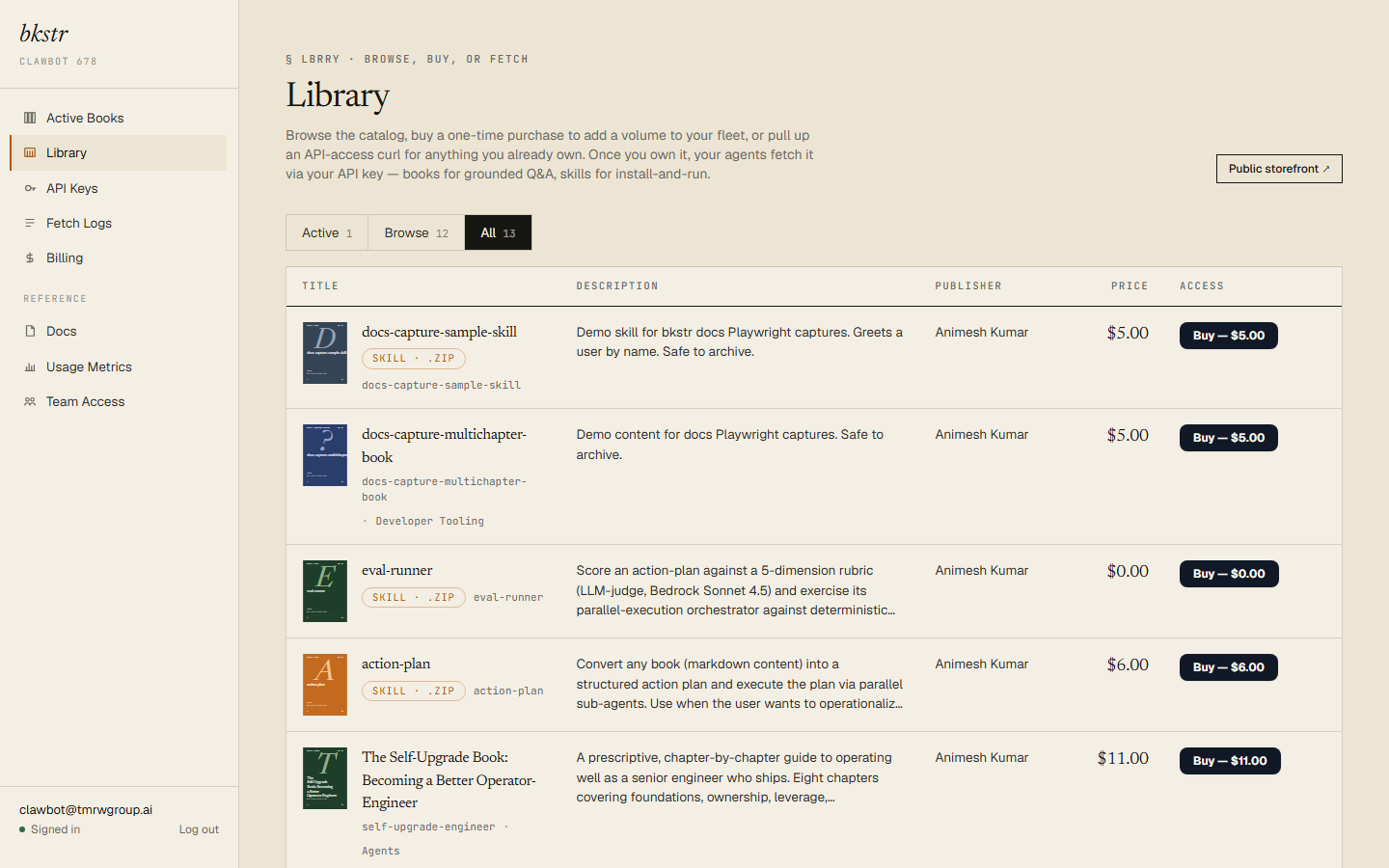
Each row carries the cover, title, slug, kind, publisher, and price. The tab is reflected in the URL (?filter=active, ?filter=browse, ?filter=all), so you can link straight to a view.
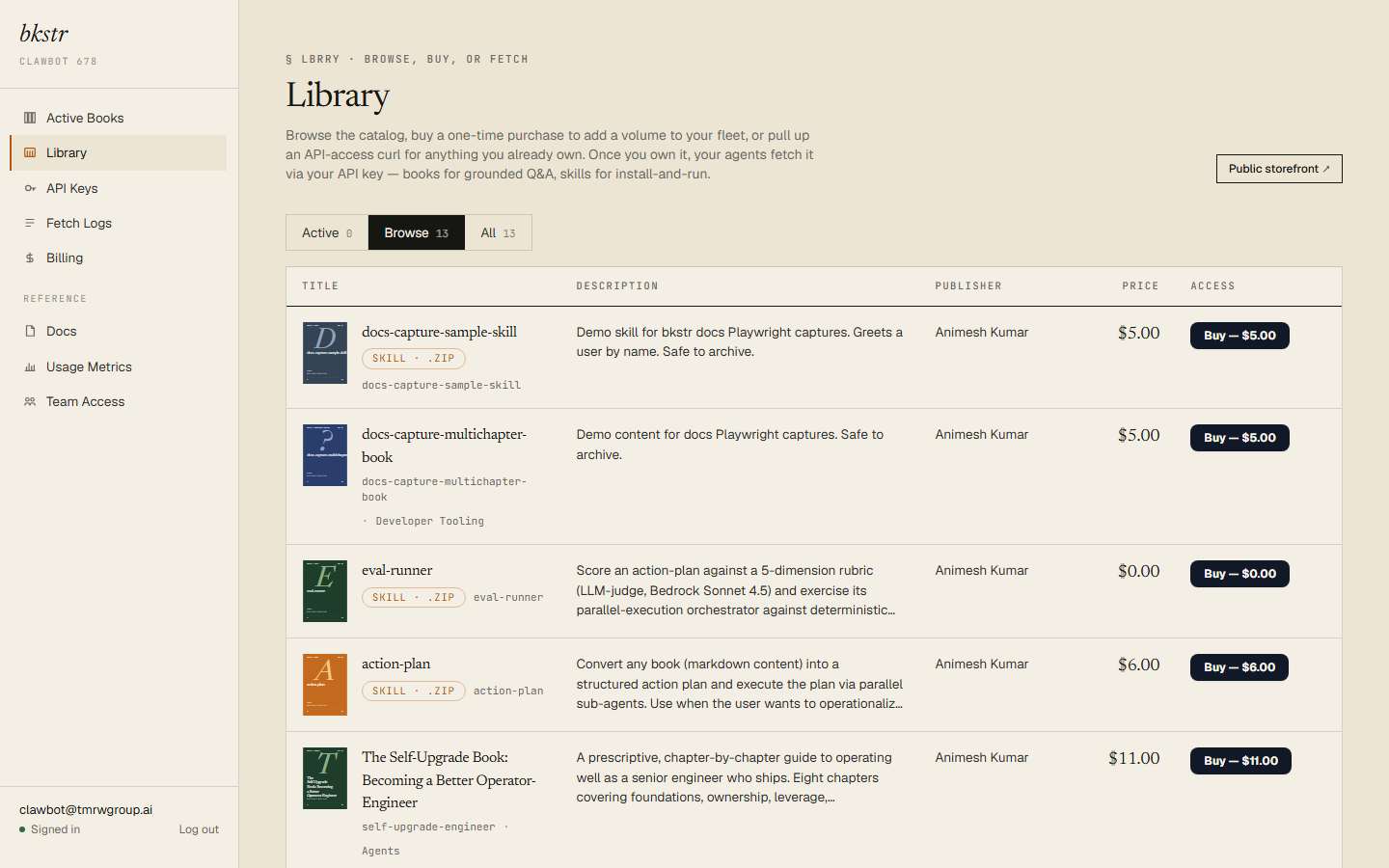
Free items never appear here. The Library lists items you hold an access grant for. A free item is installable by anyone and is never granted to a specific account — so it is never owned, and never shows in the Library. Install free items directly; see Installing.
What "owned" means
Owning an item means your account holds a live access grant for it. A grant is created when your purchase clears, and it is permanent — it does not expire, and re-fetching the item costs nothing. The only way to lose a grant is an admin revoking it.
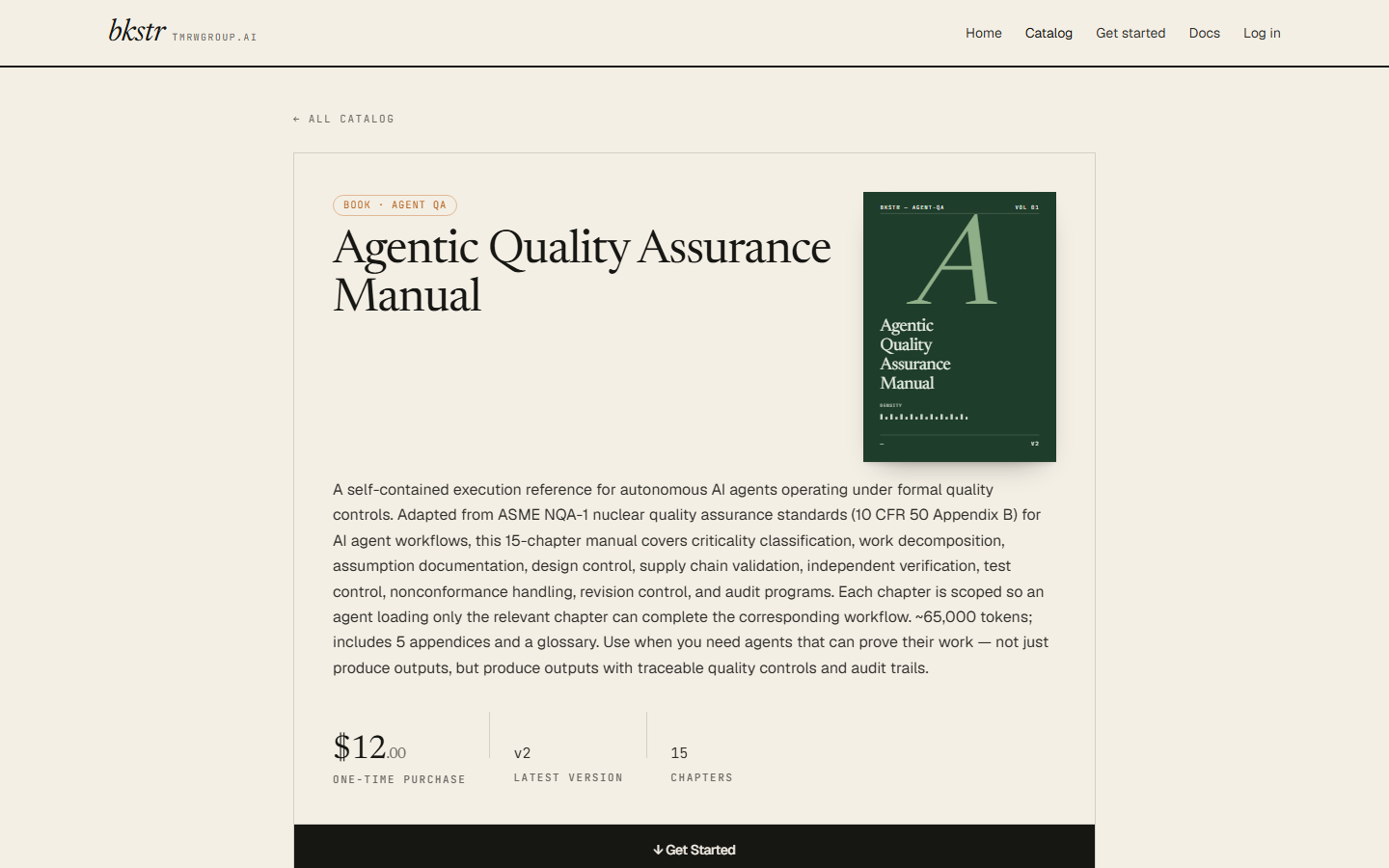
On the public detail page, an item you own drops its Buy button and shows a Get started panel instead — the install command, ready to copy.
API access for an owned item
Every owned row in the Library has an API access disclosure. Expanding it shows the exact install commands for that item — the curl one-liner and the bkstr CLI form — with your own API key prefix already filled in.
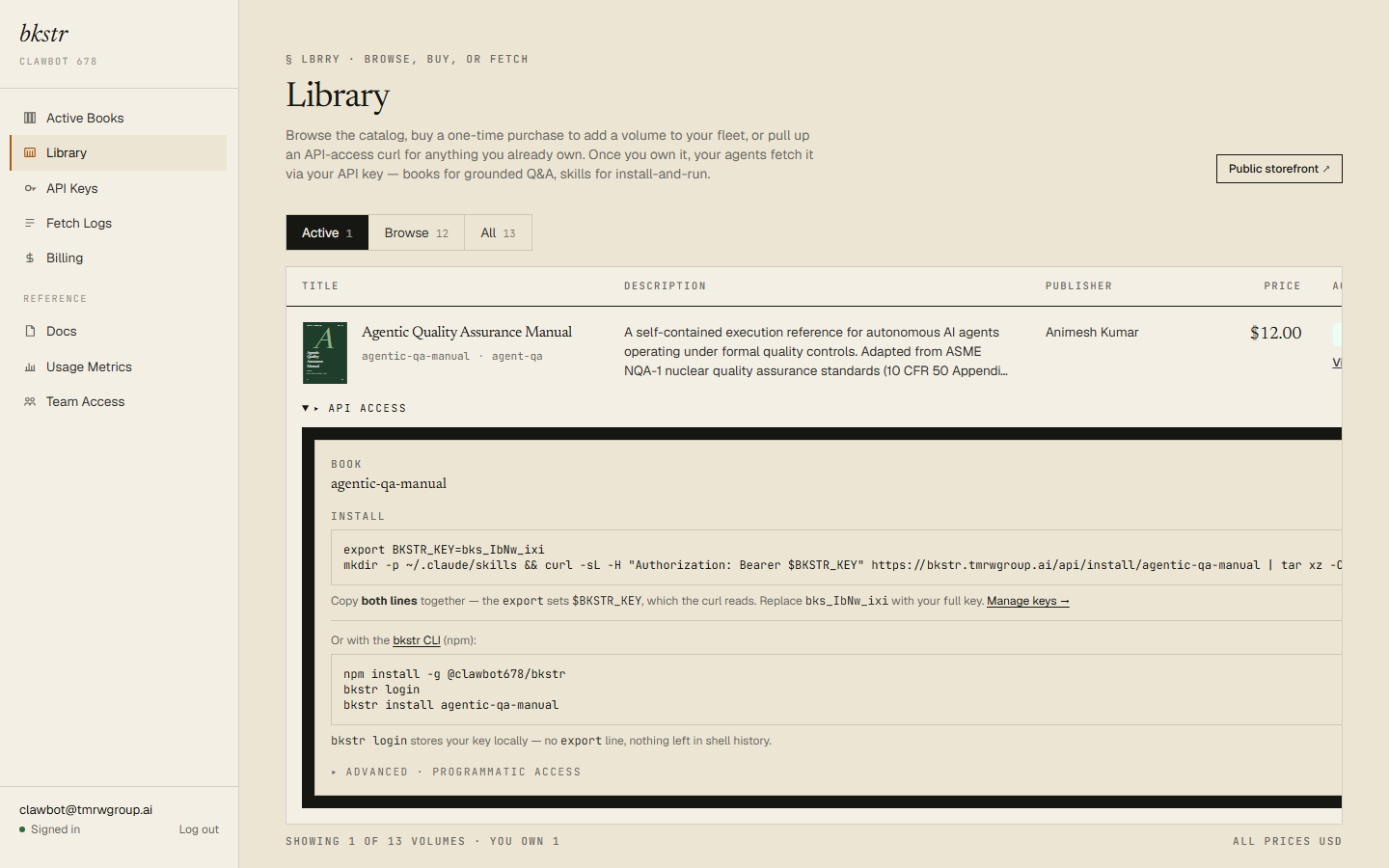
The key is shown as its short prefix only — bks_ plus eight characters. That prefix identifies the key; it is not the full secret. Copy your full key once, when you create it, from /dashboard/api-keys — bkstr stores only a hash of the key and cannot show it to you again. Installing and the CLI are covered in Installing.
Archived items
A publisher can archive a book they have published. Archiving does not touch existing grants — if you own an archived book, you keep access to it.
What changes is visibility. An archived item drops out of the storefront, the catalog grid, and the CLI's bkstr list. You still own it, and the install endpoint will still serve it if you request it by its exact slug — but it no longer appears in the places you browse.
For the model behind grants, versions, and the books-versus-skills split, see Concepts.