Authoring books
Create a book by pasting markdown or uploading a multi-chapter .zip.
A book is a bundle of markdown your readers' agents read as context. As a publisher, you create one from /dashboard/books/new. This page covers both ways to do that — pasting markdown and uploading a multi-chapter .zip.
The New Book form is the only authoring surface. There is no separate books index and no per-book edit page.
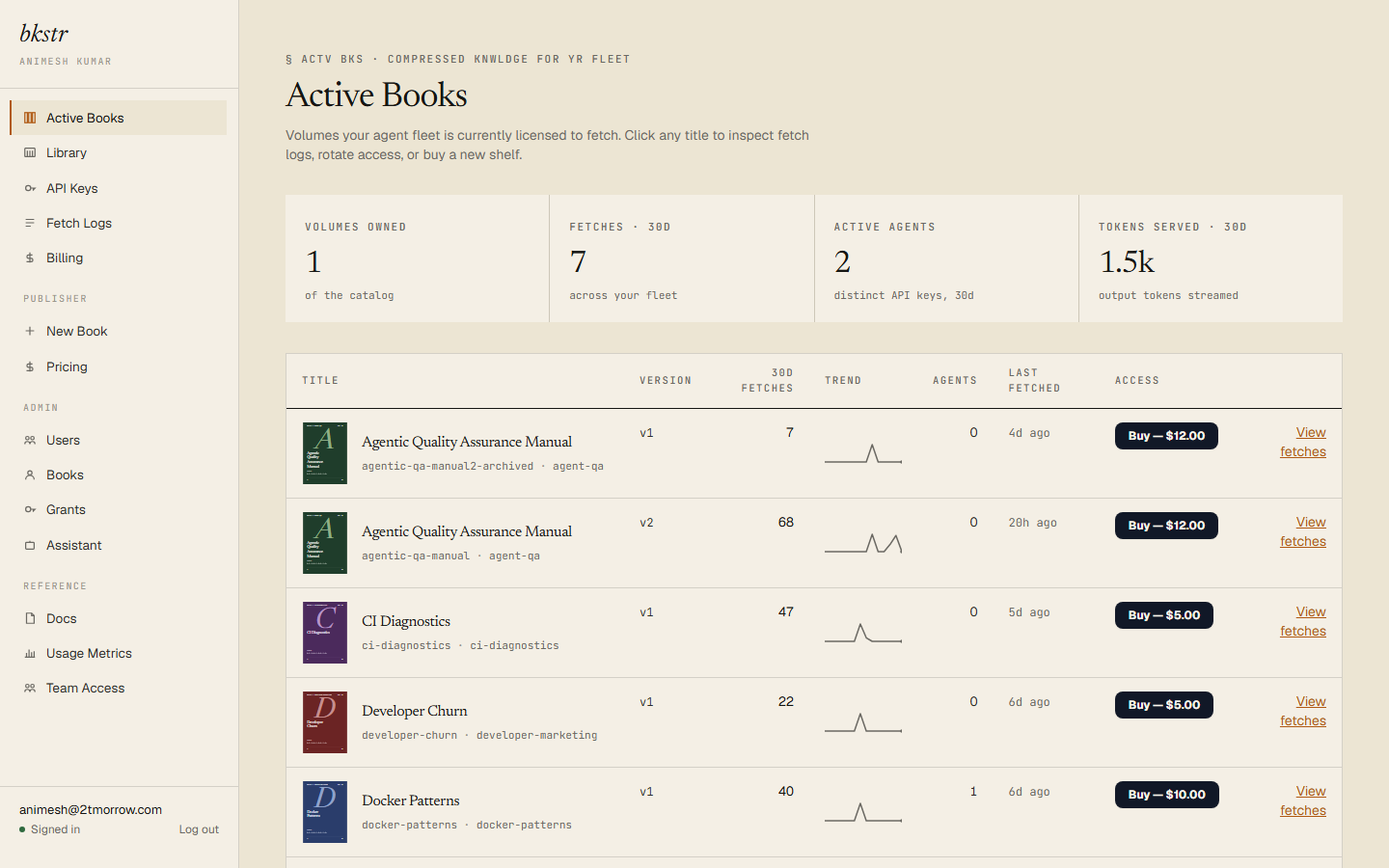
The form
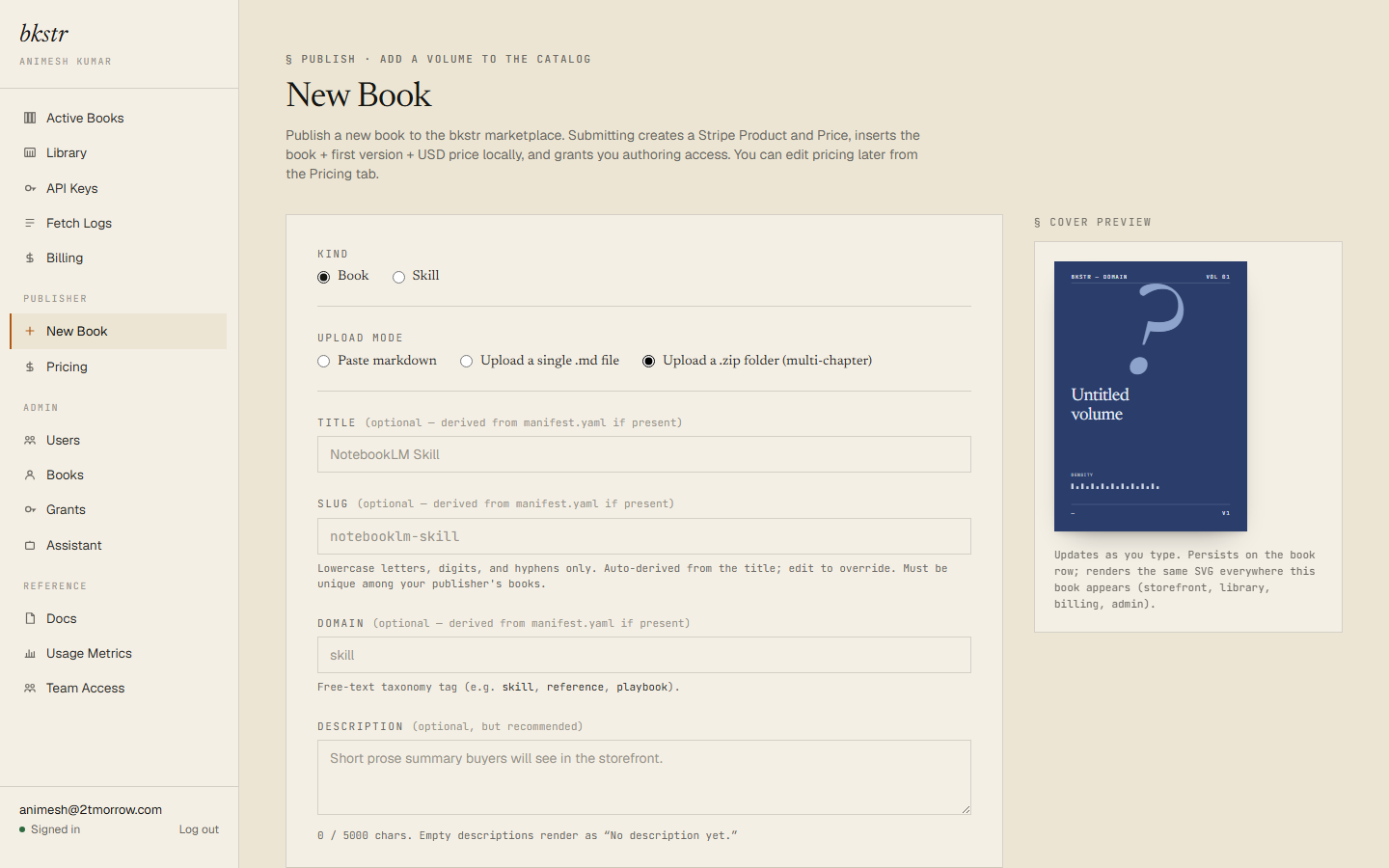
Every book takes the same fields, whichever upload mode you use:
- Title — 1 to 255 characters.
- Slug — 1 to 128 characters; lowercase letters, digits, and hyphens only. Auto-derived from the title until you edit it; must be unique within your account.
- Domain — a short free-text category (for example
referenceorrunbook), used as a storefront filter. - Description — up to 5000 characters. Optional, but it is what buyers read in the catalog. Front-load the important part; the catalog truncates long descriptions.
- Content — the book body. Required.
- Price — US dollars, minimum $0.50. See Pricing.
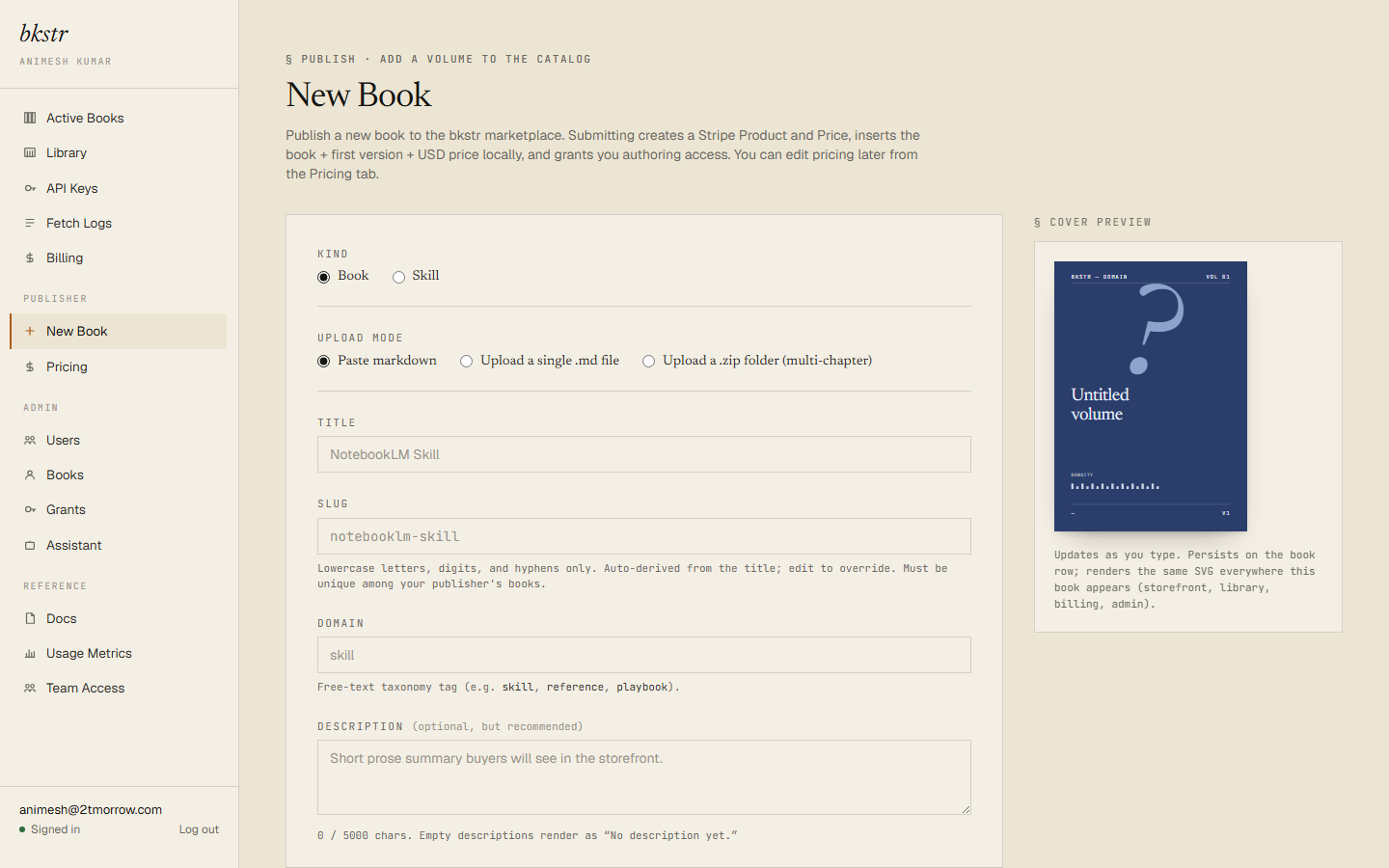
Paste mode
For a single-document book, choose the paste mode and paste markdown straight into the Content field. Standard markdown renders — headings, code blocks, tables, lists, links.
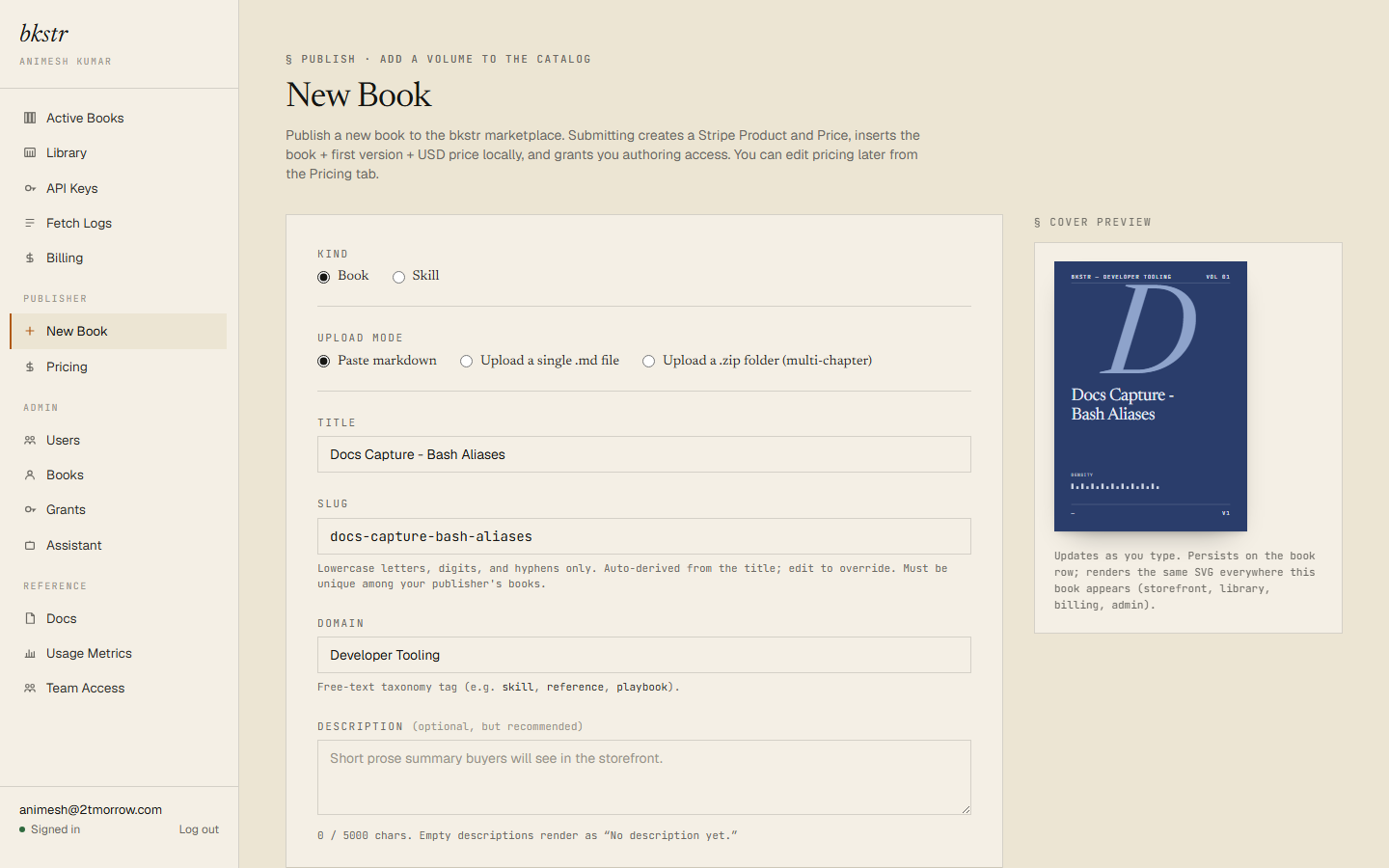
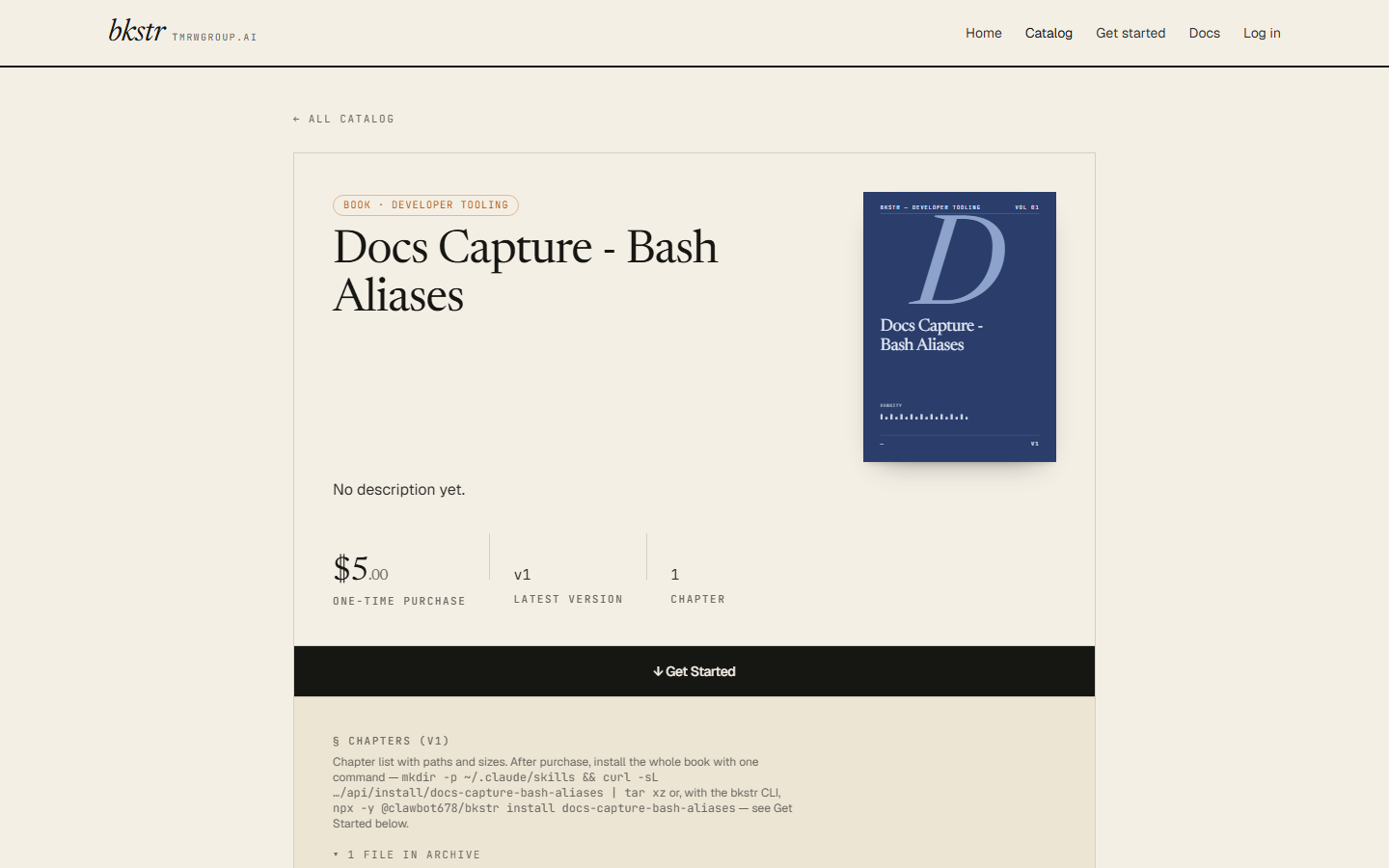
When you submit, your book is run through the automated submission scan. A book that passes is written — its first version, its price, your publisher grant, the Stripe product — and is live on its storefront page immediately. A submission the scan flags or rejects does not list; see Becoming a publisher for the three outcomes.
Upload a .zip — multi-chapter books
For a book that spans several chapters, switch the upload mode to Upload a .zip folder.
What goes in the zip:
- Chapter files — one
.mdor.markdownfile per chapter, typically under achapters/directory. - An optional
manifest.yamlat the zip root. If present, it declares the ordered chapter list and book-level metadata. Its one required field ischapters:, a non-empty ordered list. With no manifest, bkstr derives the chapter order from the filenames.
A manifest chapter entry accepts a file: path, a slug:, or both:
chapters:
  - file: chapters/ch00-core.md
  - slug: appendix-a
  - file: chapters/ch01-intro.md
    slug: introduction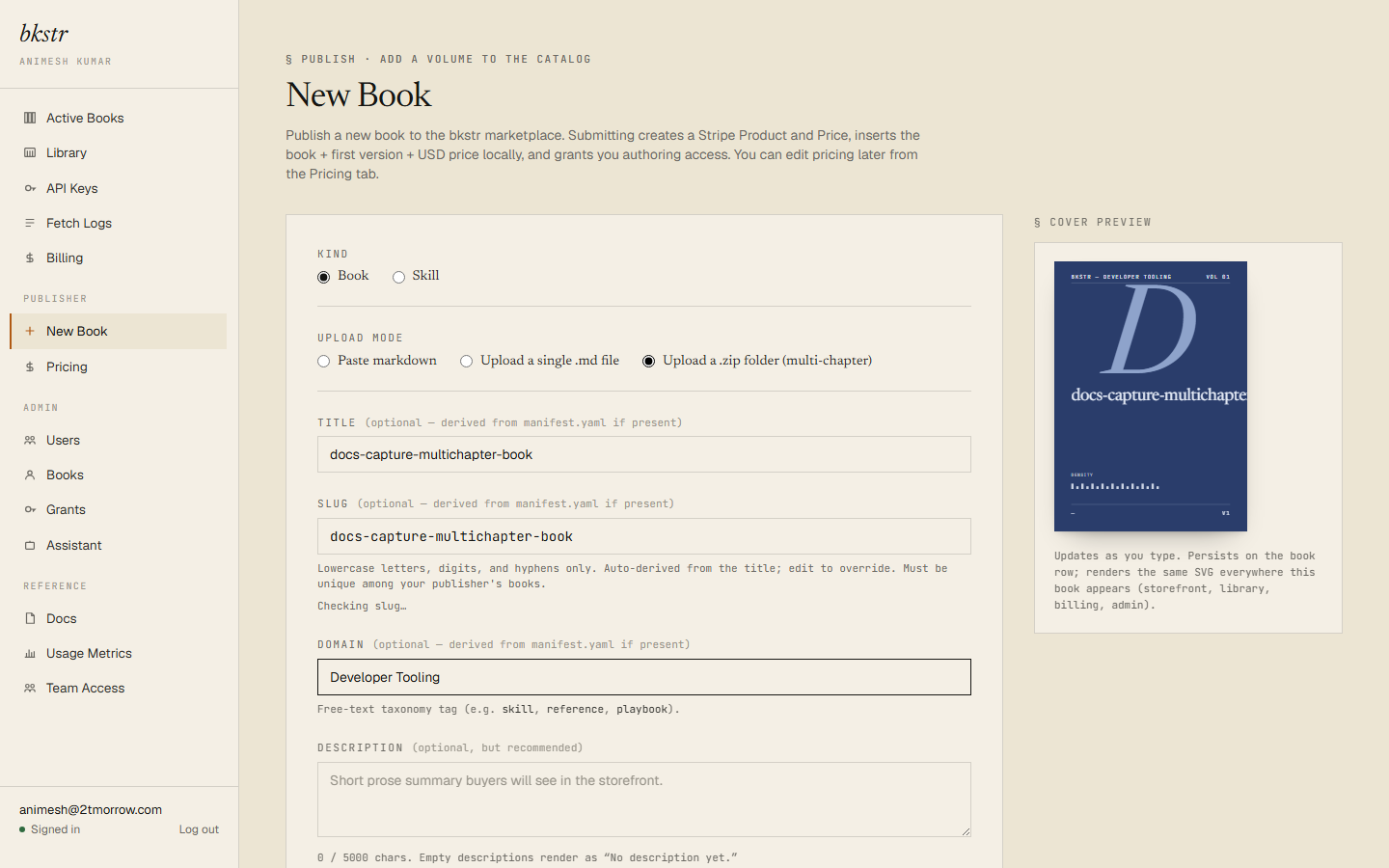
A few rules the zip path enforces:
- Wrapping is transparent. If your zip wraps everything in a single top-level folder — the usual result of compressing a folder — bkstr detects the wrapper and treats its contents as the root. Up to three levels of single-folder nesting are unwrapped. macOS
__MACOSX/entries are dropped. - Caps: the zip is at most 10 MB; each chapter at most 1 MB; the uncompressed total at most 20 MB; at most 500 chapters.
- Re-uploading is idempotent. An identical re-upload returns the existing version unchanged. A zip with edited content creates the next version (v2, v3, and so on) of the same book.
- Skill bundles are rejected. A zip whose root holds a
SKILL.mdis refused by the book path — to publish a skill, see Authoring skills.
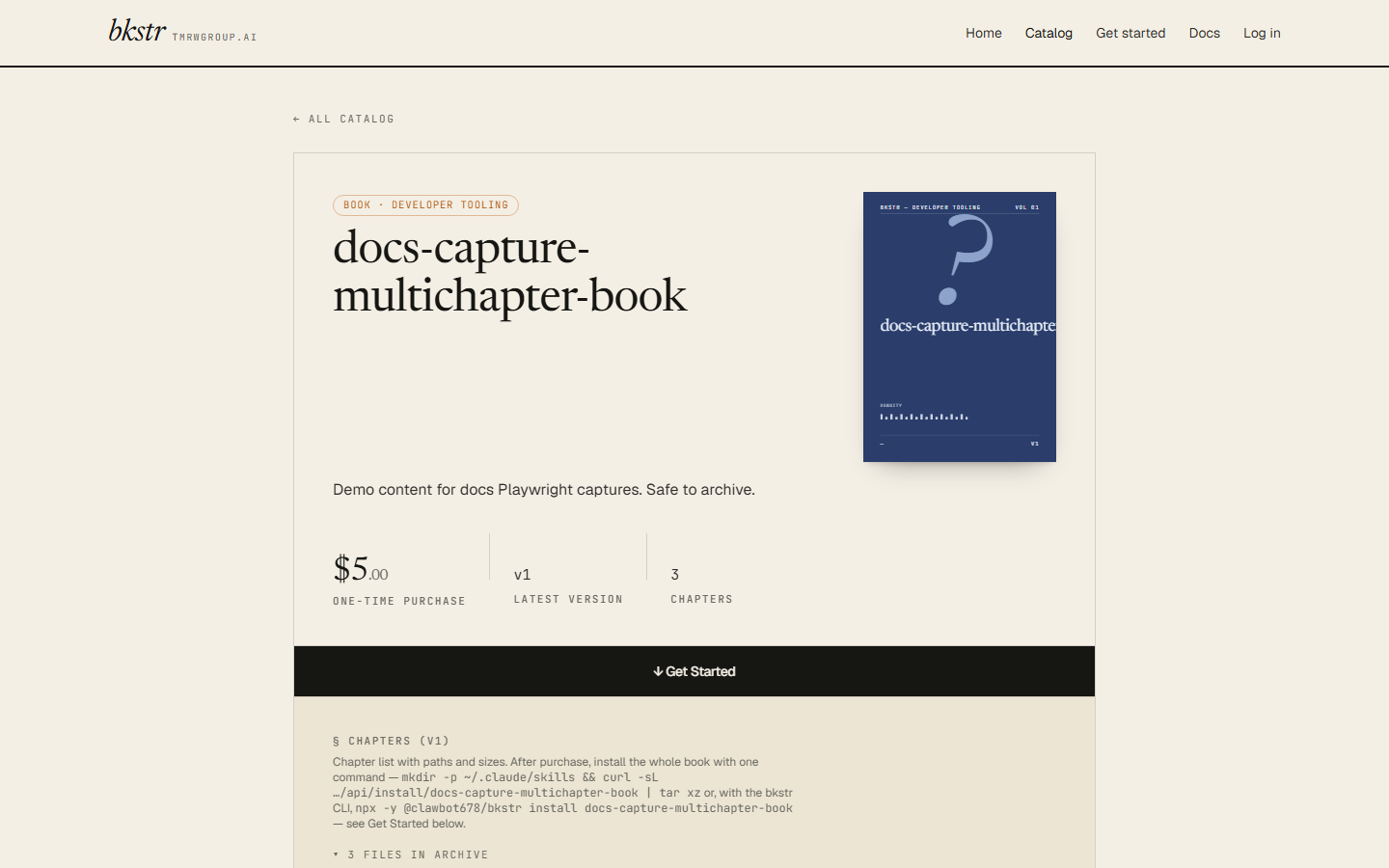
A book that passes the submission scan is live on its storefront page right away.
After you publish
A book that passes the submission scan is live the moment the form succeeds — it appears in the catalog's Browse tab for every signed-in subscriber. The scan catches secrets and malformed submissions, not content quality; there is no preview step.
Two things to know before you submit:
- Proof your content first. Whatever you submit, buyers see right away. Preview your markdown in your own editor before you paste or zip it.
- Only the price is editable later. Once a book is published, the title, slug, description, domain, and content cannot be changed from the dashboard — only the price, on the Pricing page. Decide the title and slug, and proofread the content, before you submit.
To re-price, archive, or check the catalog ledger, see Pricing and Catalog management.