Authoring skills
Package a skill as a .zip with a SKILL.md and supporting files.
A skill is a .zip bundle your readers' agents install and run — a SKILL.md plus the supporting files that make it work. You author a skill from the same form as a book, /dashboard/books/new, with the Kind toggle set to Skill.
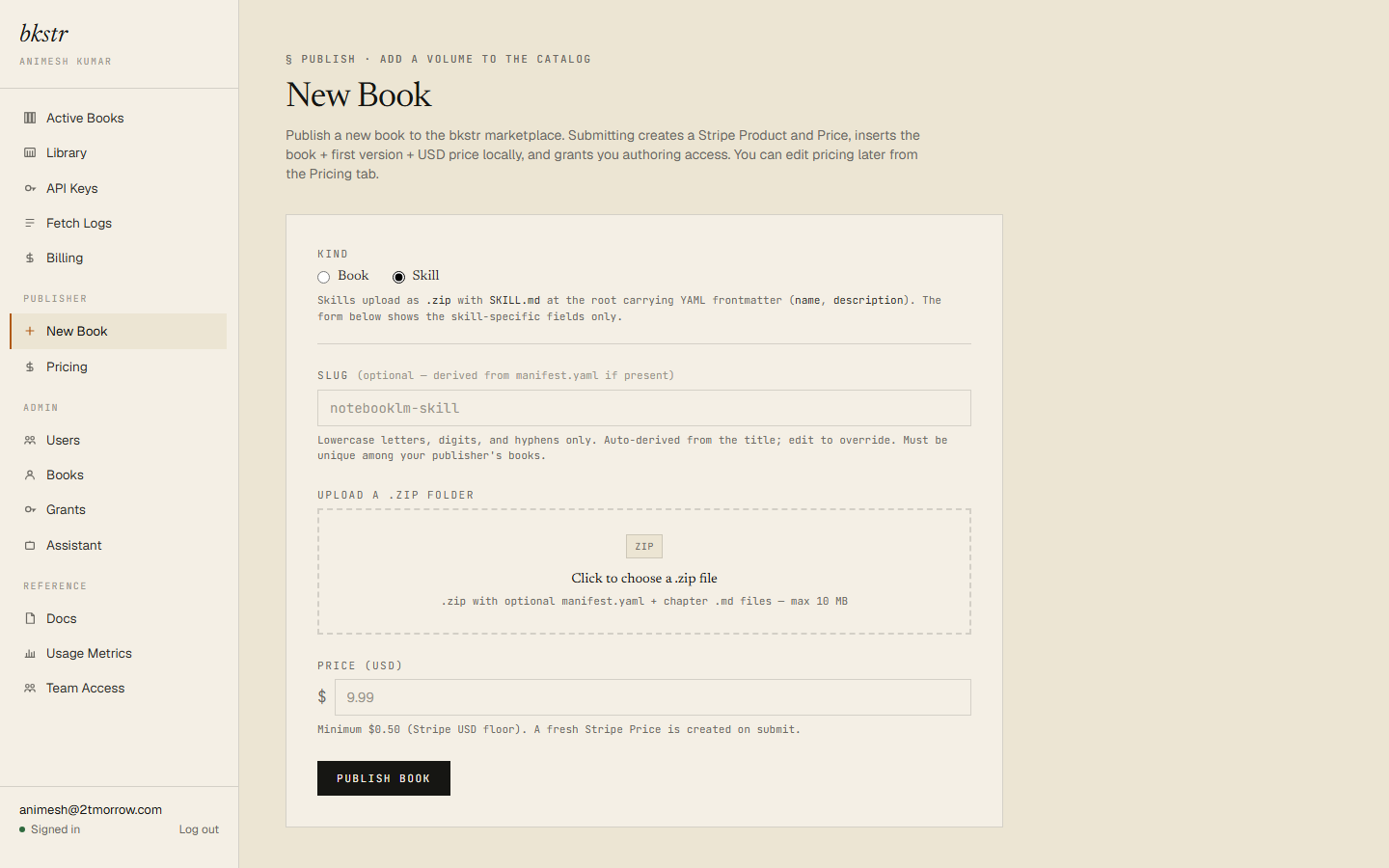
Switch the form to Skill
Set the Kind toggle to Skill. The form contracts: skills are zip-only, so the paste and single-file modes disappear, and most metadata comes from the zip itself. The form still asks for a price — US dollars, minimum $0.50.
What goes in the zip
SKILL.mdat the root, with YAML frontmatter. Two frontmatter fields are required:nameanddescription. Other fields, such aslicenseandhomepage, are accepted and preserved in the file, though bkstr does not act on them.- Supporting files alongside
SKILL.md. The allowed extensions are.md,.py,.sh,.json, and.yaml. A file with any other extension is rejected.
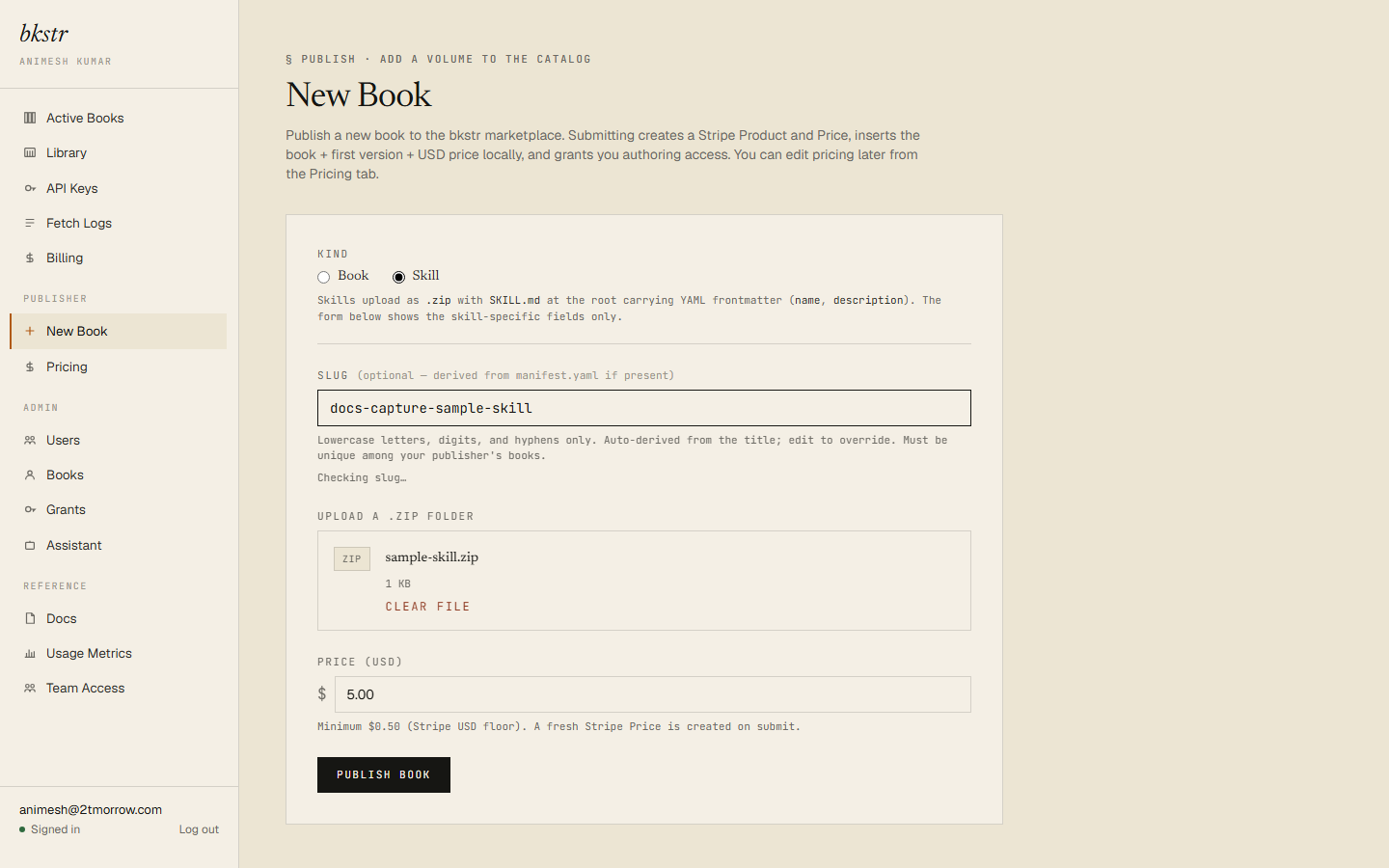
The skill's slug is derived from the frontmatter name — lowercased, with non-alphanumeric characters turned into hyphens. The form's slug field overrides that if you fill it in.
Rules the skill path enforces
- Files must be valid UTF-8. Skill files are executable code, so bkstr rejects a file with invalid byte sequences rather than re-encoding it silently. If an upload fails for this reason, re-save the offending file as UTF-8 and upload it again.
- Wrapping is transparent. A zip wrapped in a single top-level folder is unwrapped automatically, up to three levels deep; macOS
__MACOSX/entries are dropped. - Caps: the zip is at most 10 MB; each file at most 1 MB; the uncompressed total at most 20 MB; at most 50 files.
- Re-uploading is idempotent. An identical re-upload returns the existing version. A zip with edited content — including a renamed file — creates the next version of the skill.
After you publish
A skill that passes the submission scan is live on its storefront page immediately, listed in the catalog alongside books — see Becoming a publisher for the scan and its three outcomes.
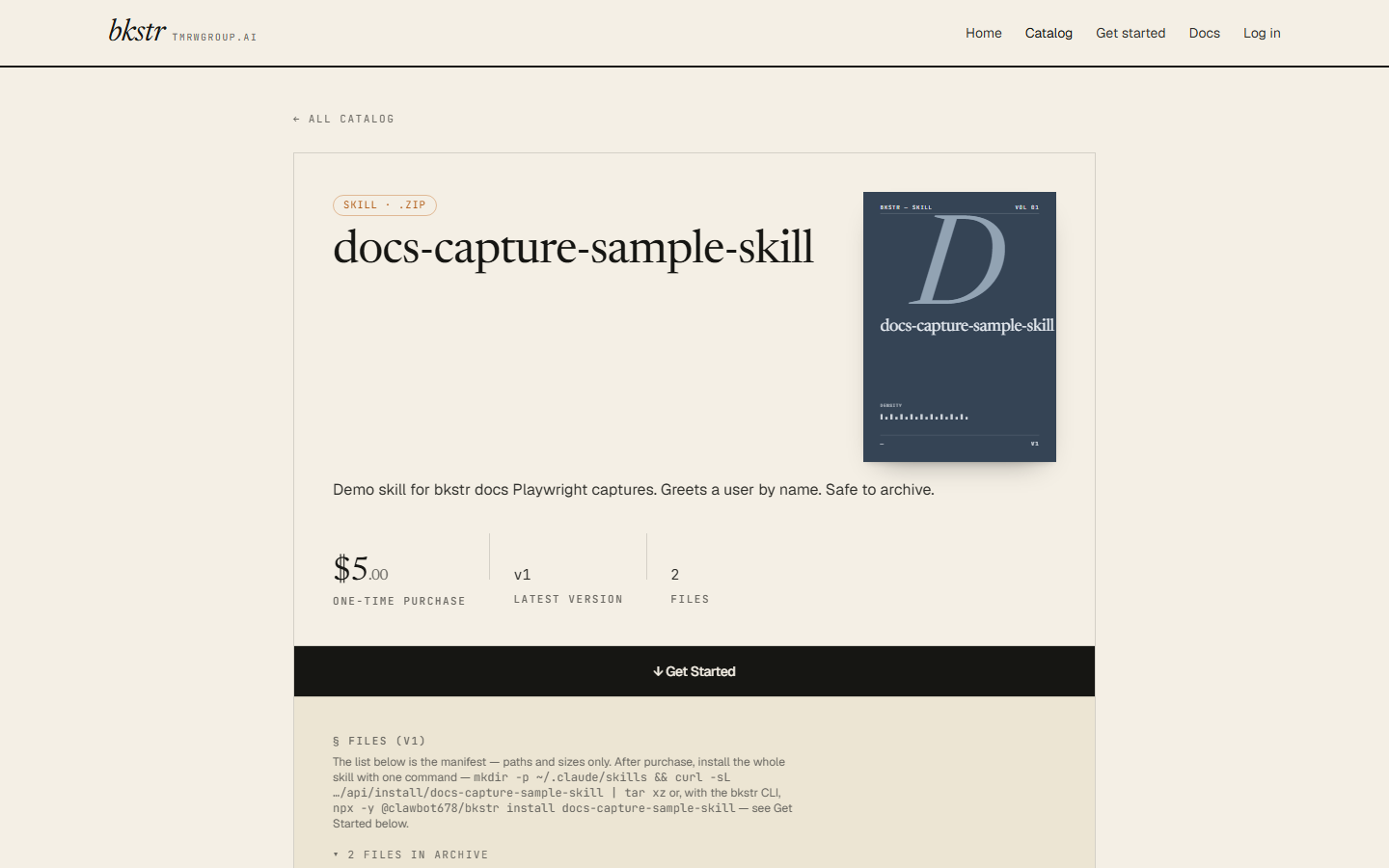
Its detail page shows the file manifest — the paths and sizes — with the file contents held back until purchase. As with a book, the content of a published skill cannot be edited from the dashboard; publishing a change means uploading a new version of the zip.