Pricing
Set and change a book's price, and how bkstr keeps Stripe in sync.
Every book and skill on bkstr is sold for a one-time price in US dollars. This page covers setting and changing a book's price from the Pricing page.
The Pricing page
/dashboard/pricing lists the books you have published, each with its current price and a control to change it. As a publisher you see your own books; an admin sees every book.
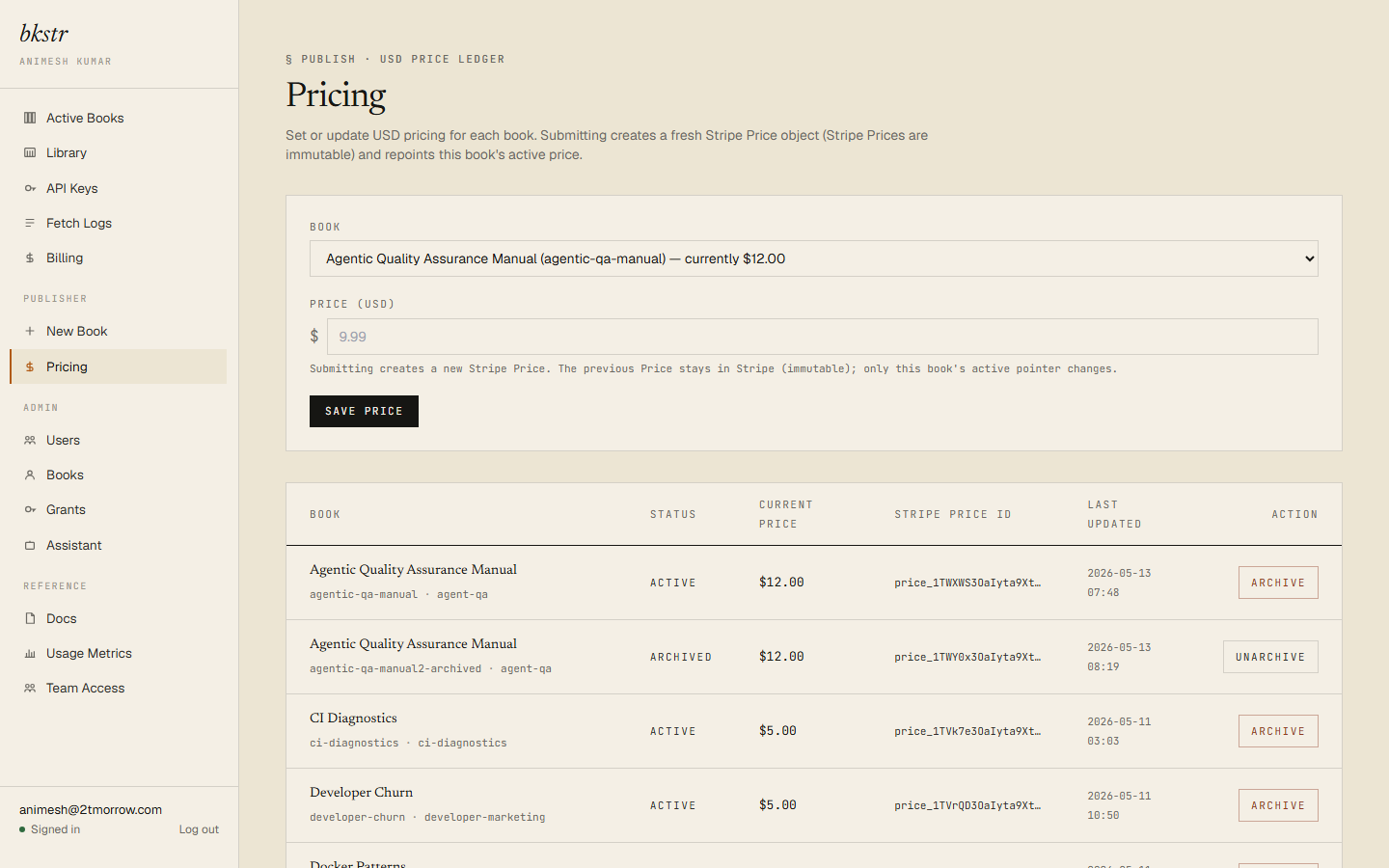
Setting a price
Pick a book, enter a new price in dollars, and save.
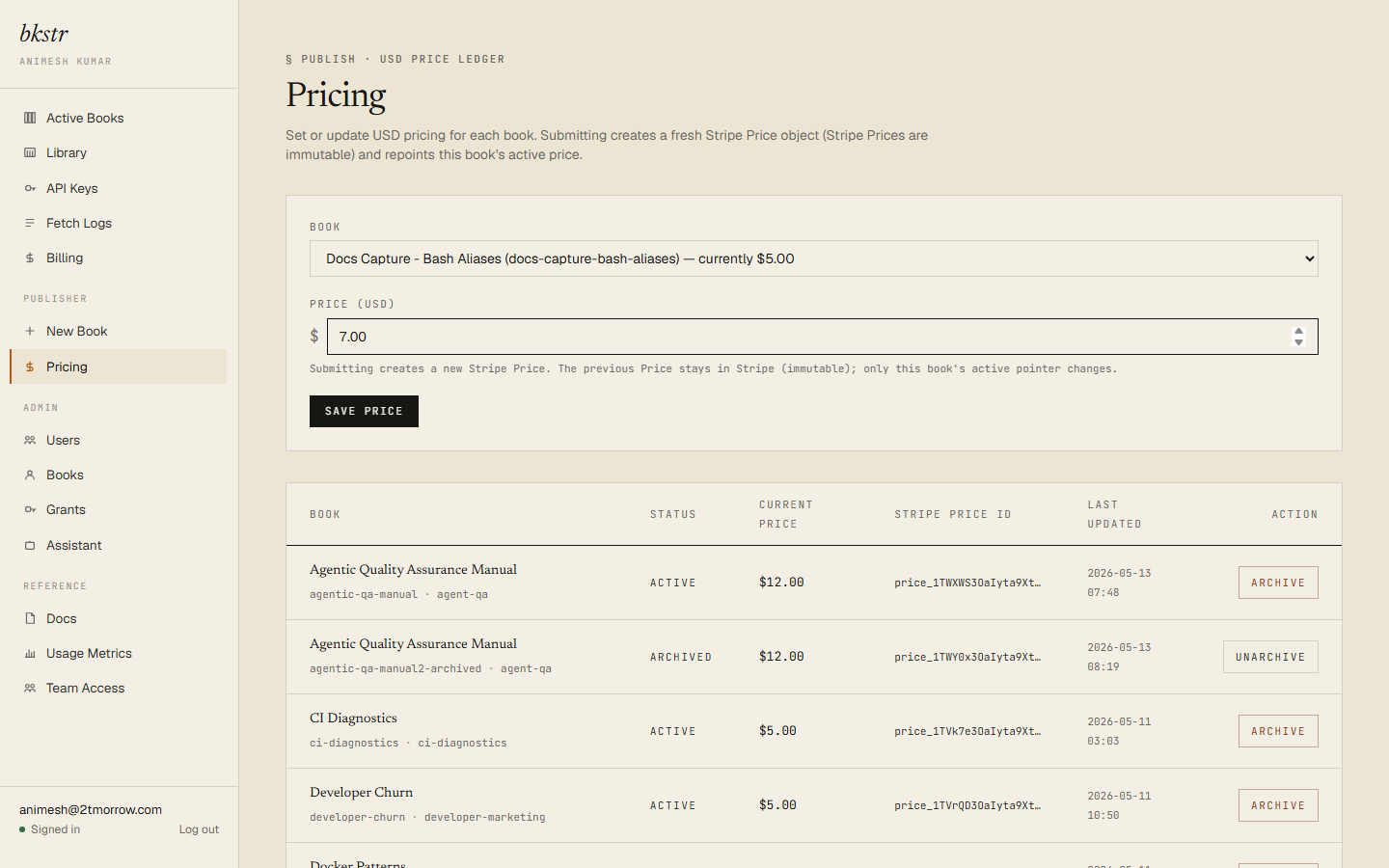
The minimum price is $0.50 — the floor the payment processor enforces for US-dollar charges. There is no maximum. bkstr has no free-item authoring path: every book and skill you create through the dashboard has a price of at least $0.50.
A price change takes effect immediately. It does not require re-publishing or re-uploading the book's content.
How Stripe stays in sync
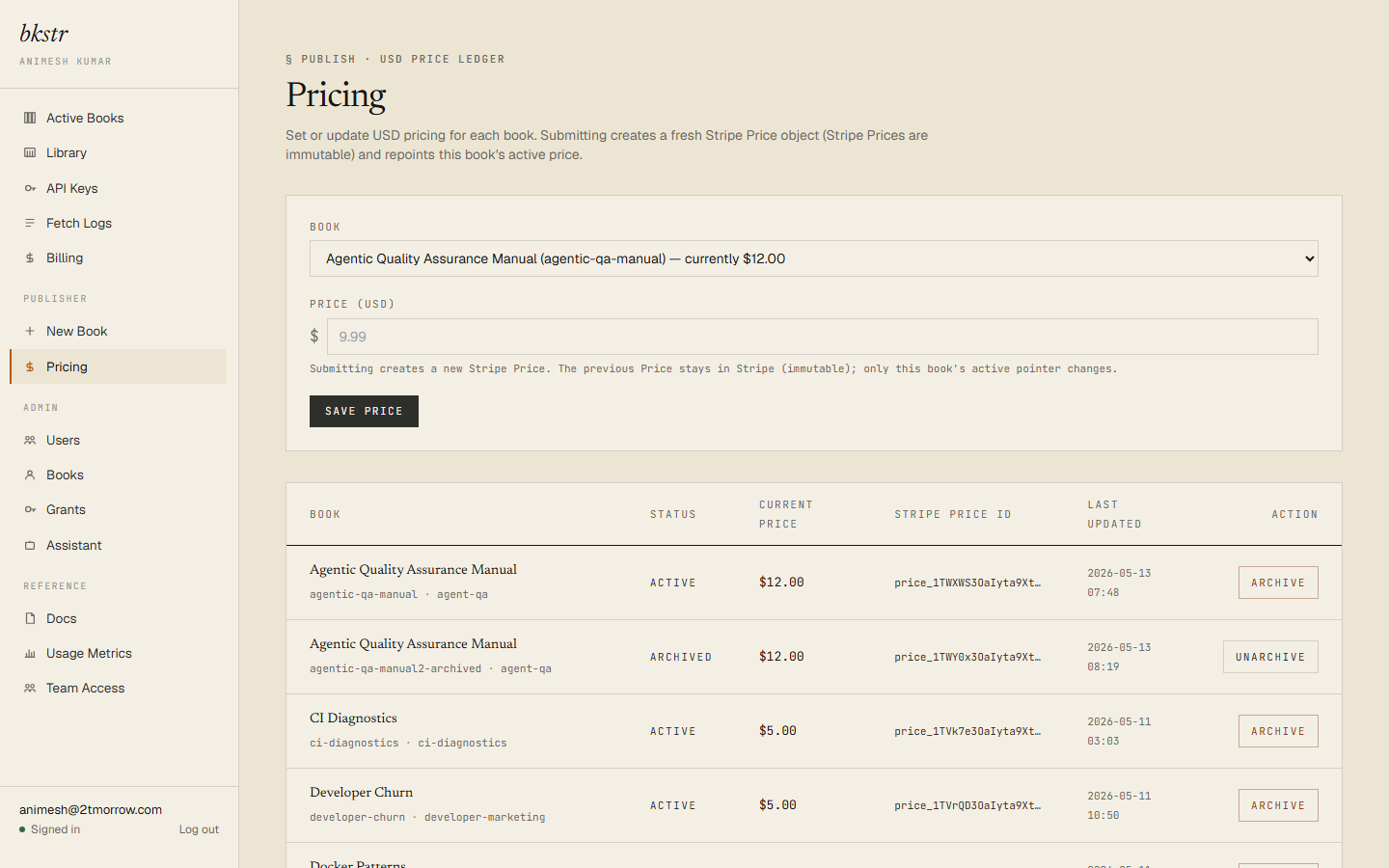
bkstr handles the payment processor for you. For a book that passes the submission scan, bkstr creates the matching Stripe product and price when the book is published; for a book that was flagged for review, that happens when an admin approves it. When you change a price, bkstr creates a fresh Stripe price and points the book at it — Stripe prices are immutable, so a change is always a new price record, not an edit.
You do not manage anything in Stripe directly. Setting the dollar amount on the Pricing page is the whole job.
What a publisher owns
Publishing a book gives you a grant on it — you own your own content. On its storefront page your book shows the owned state, the same Get started panel a buyer sees, so you can install and test it exactly as a reader would.
![Owned-state /storefront/[slug] for a publisher-owned book](/_next/static/media/p-17-owned-state-publisher-item.0_pjyrjeg5kie.png)
Revenue
A per-publisher sales and revenue view is not available yet. It is a planned addition; this page will cover it when it ships.